To get to the Time Tracking Feature, click the Time Tracking Tab.
Time Tracking Pro is included on the Grow and Plus plans. On other plans you’ll see a Try Pro Version button. It’s free for 14 days, then $10/month. You’re only charged after the trial.
Once you have signed up, your Time Tracking Pro page will look like this:
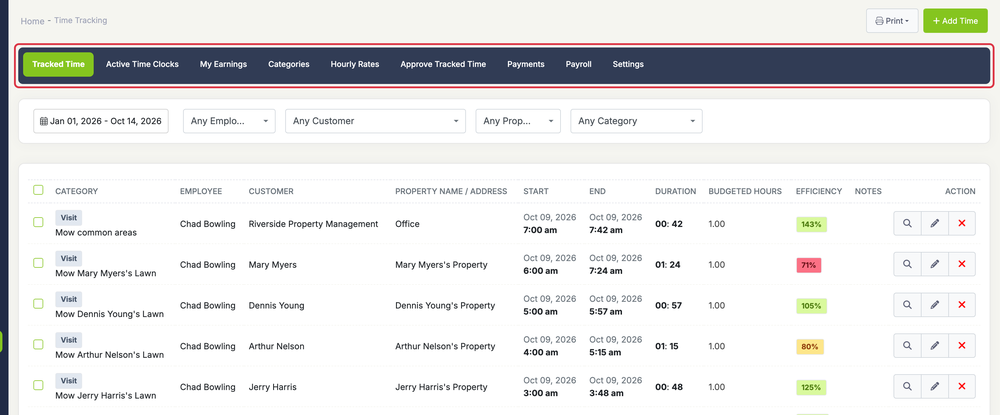
The Time Tracking page has these tabs:
- Tracked Time: view, add and edit tracked time.
- Active Time Clocks: who’s clocked in right now. Only the account owner and users who can view and edit time for all users see this tab.
- My Earnings: your own hours and pay.
- Categories: hourly rate categories, such as Driving or Lunch.
- Hourly Rates: each employee’s rates.
- Approve Tracked Time: approve or reject employees’ time.
- Payments: record payments made to employees.
- Payroll: totals for a pay period.
- Settings
Hourly Rates, Approve Tracked Time, Payments, Payroll and Settings are visible to the account owner and to users with Employees access.