If you want to see what an invoice looks like when you have us mail it to a customer, you can request a sample invoice be mailed to you.
- On your Dashboard, find Mail a Sample Invoice in the setup checklist and click it. If your business address is complete, LawnPro mails the sample right away.
- If your business address isn’t complete, LawnPro asks for one. Enter the address where you want the sample sent and click Save & Mail.
Once it’s requested, the item shows a check mark. The option only appears for US accounts that haven’t bought stamps yet. If you don’t see it, you can still mail a real invoice to yourself; see How to Buy Stamps.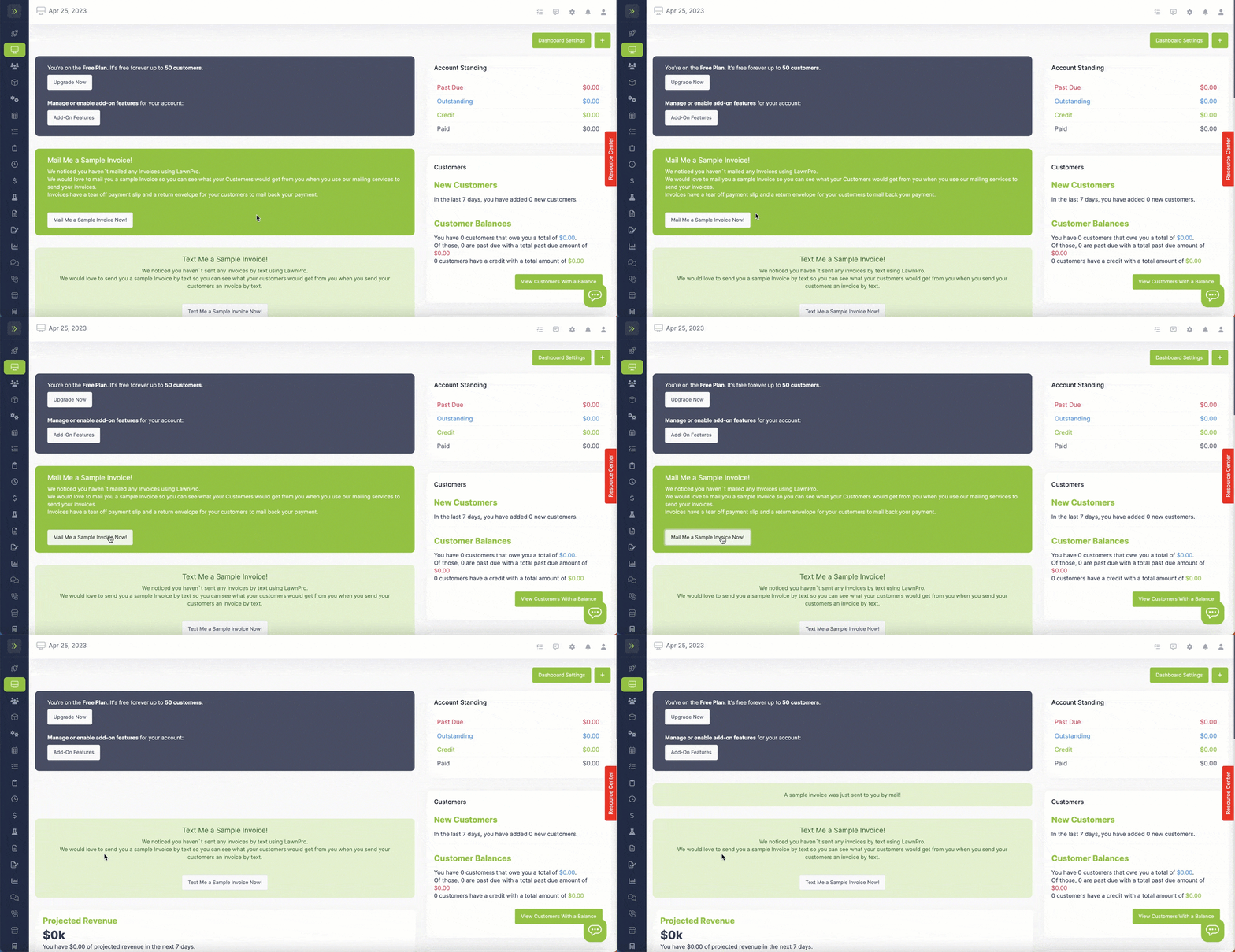
Want to see the text version instead? Use Text a Sample Invoice in the same checklist. See Receive a Sample Invoice via SMS.