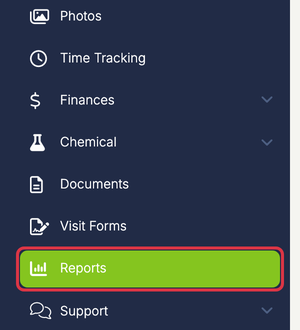
To generate an Expense Report that has a list of expenses by date range and category, click Reports in the left menu.
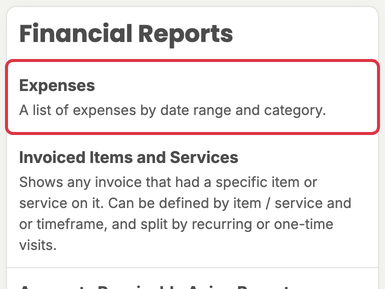
In the Financial Reports section, click Expenses. You can also type the report’s name in the Search box.
Next, select the date range and category you would like to show on the report.
(Note: It shows the current year to date as default)

Use the Export dropdown to download an Excel or CSV file, or Download / Print to download a PDF or print it.
