Table of Contents
Creating a Package
If there are several services or items you would like to bundle and offer together, you can create a package.
To create a package you will click the “Resources” tab and click “Items & Services“
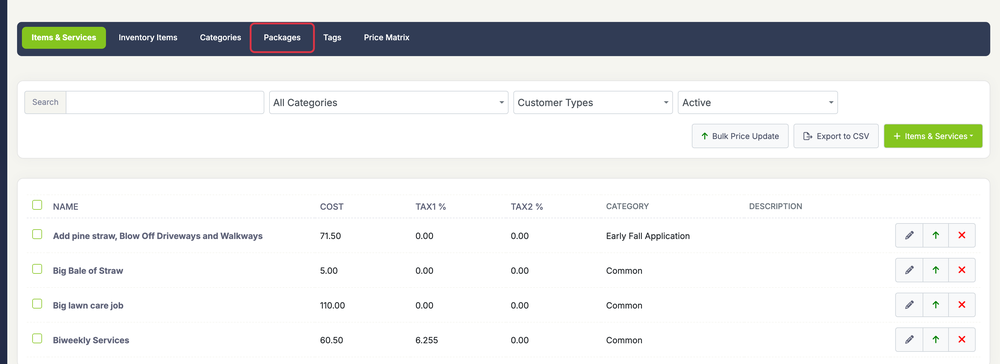
Next, you will click the “Packages” tab
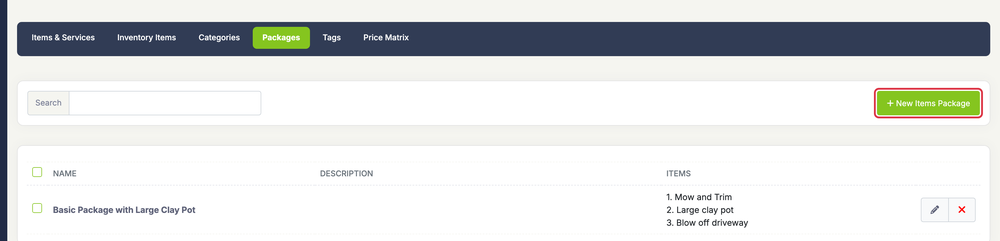
Next, click the green “+ New Items Package” button.
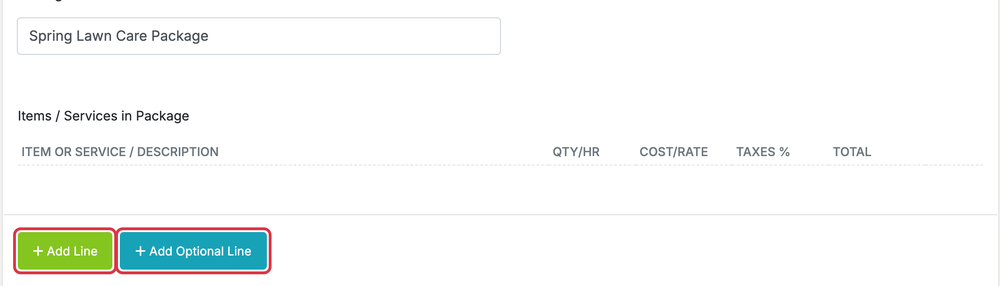
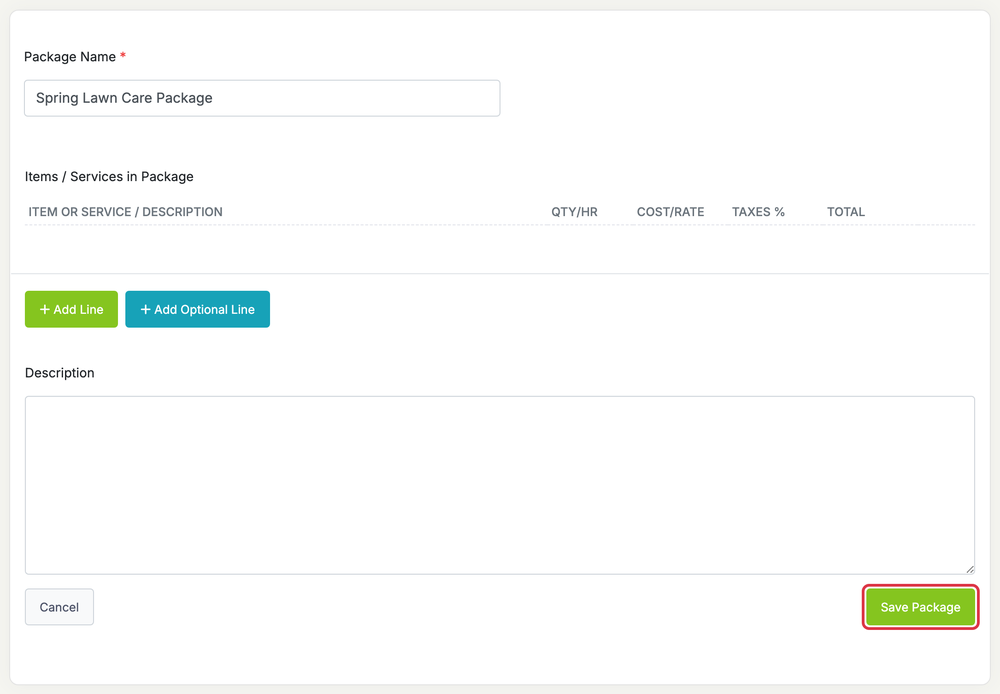
You will then see the page to fill out the package name and the items you want to be included in the package.
To add a new item to the package, click the green “+ Add Line” button. To include items the customer can choose to add, click Add Optional Line. Optional items are included on Grow and Plus, or are a $10/month add-on.
When finished, press the “Save Package” button.
Adding a Package to an Estimate
To add a package to an estimate, go to Finances > Estimates.
Click the green + New Estimate button.

Under the “Item or Service/Description” section click the yellow “Add Package” button
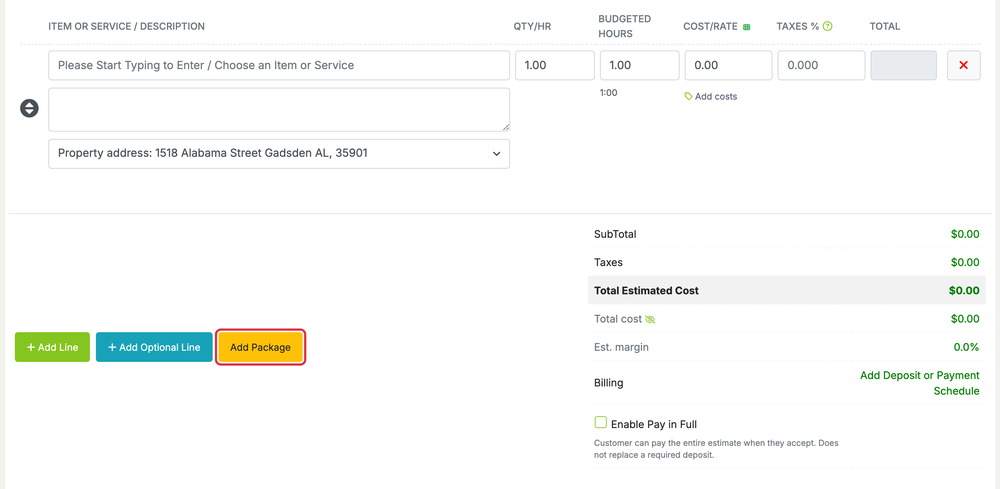
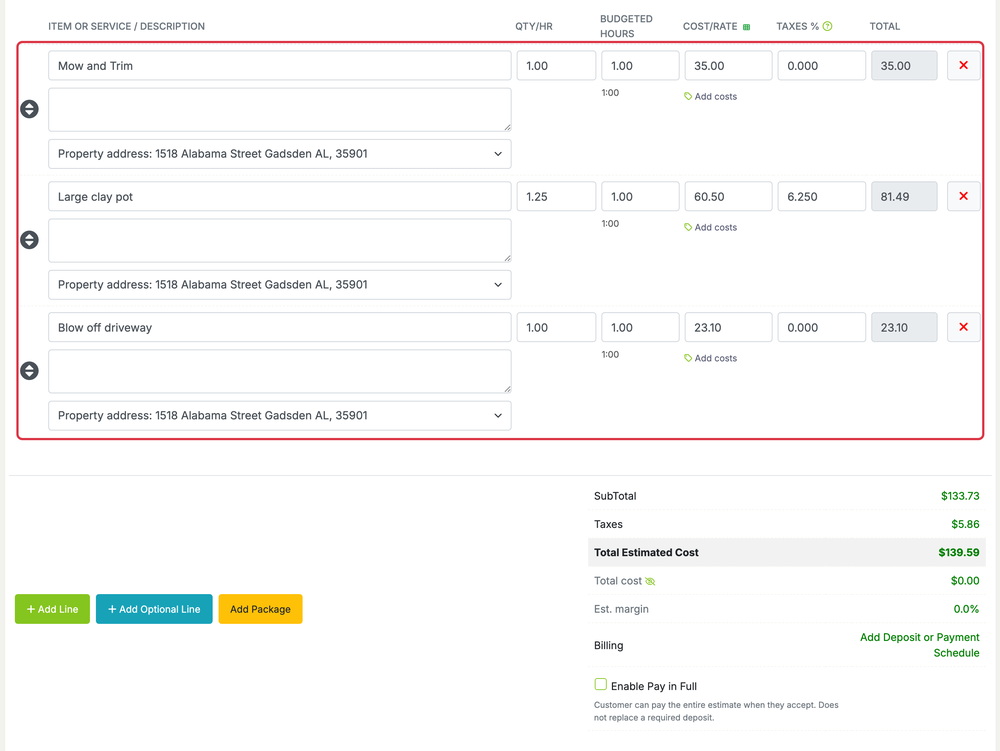
This will add all of the items included in the package as line items on the estimate.