Table of Contents
Overview
If you want to build a route for just one crew instead of everyone scheduled that day, you can filter the Routes page down to a single crew before optimizing.
Filtering to a Single Crew
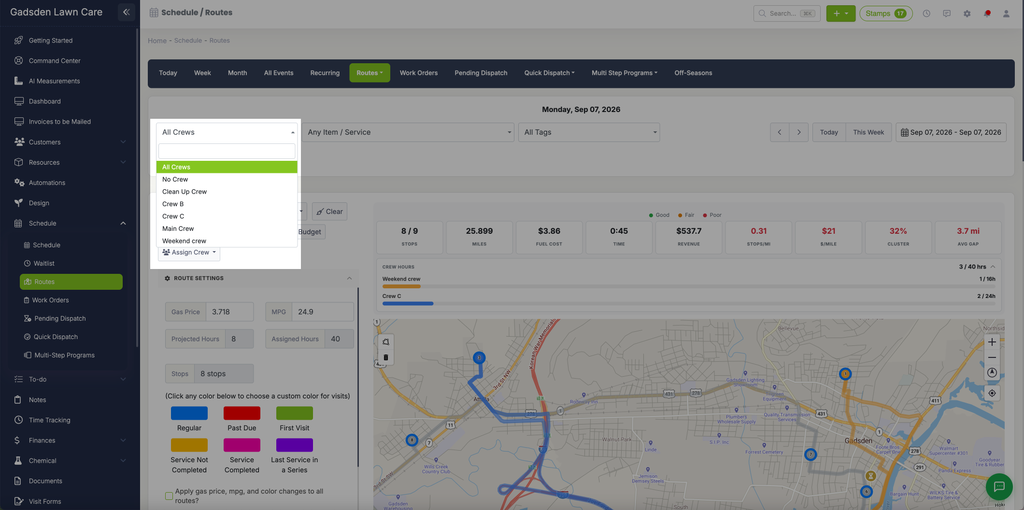
Go to Schedule > Routes. Choose the crew you want from the All Crews dropdown at the top of the page.
The page updates to show only the visits assigned to that crew.
Optimizing the Route
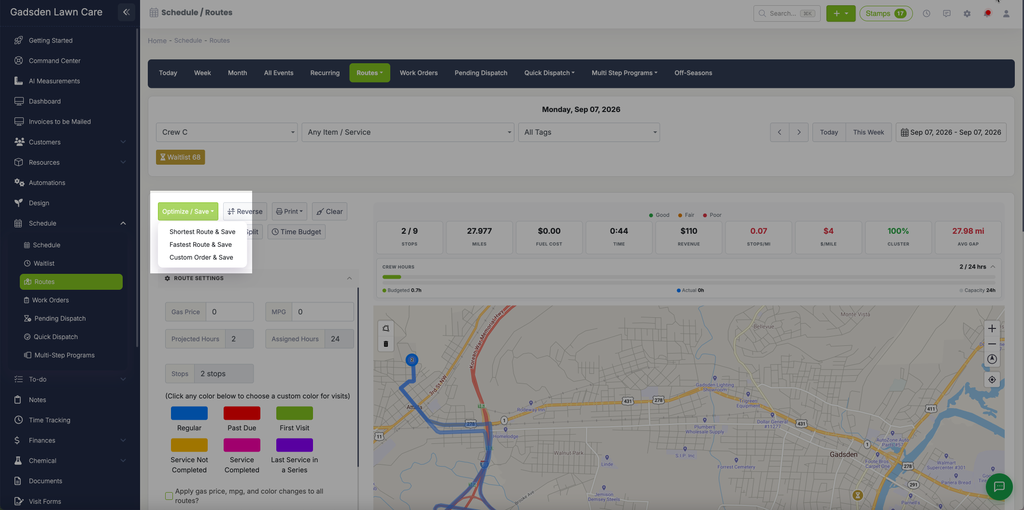
Click the green “Optimize / Save” button and choose how you want to optimize the route (shortest, fastest, or custom).