Table of Contents
Overview
Optimizing as the shortest route reorders your stops to minimize total driving distance, rather than drive time.
Optimizing for the Shortest Route
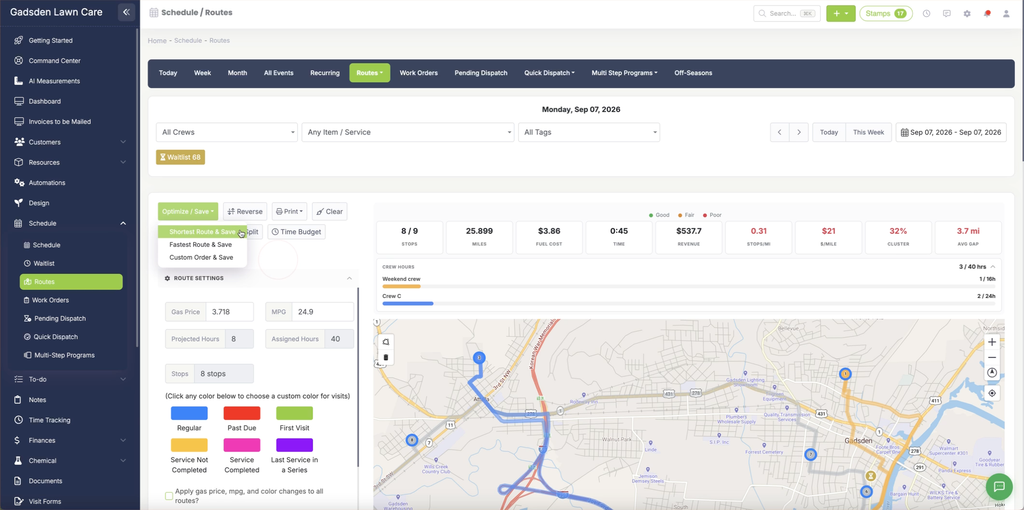
Go to Schedule > Routes. Make sure the visits you want included are listed and checked in the stop list.
Click the green “Optimize / Save” button, then choose “Shortest Route & Save.”