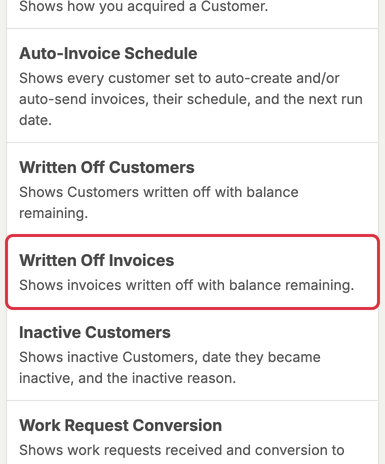
To generate a Written Off Invoices Report click Reports in the left menu.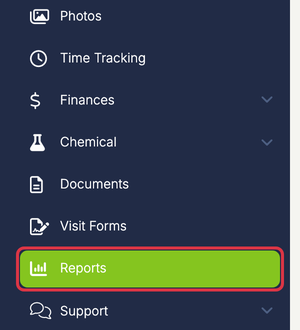 In the Other Reports section, click Written Off Invoices.
 Select the Date Range you want to show on the report.
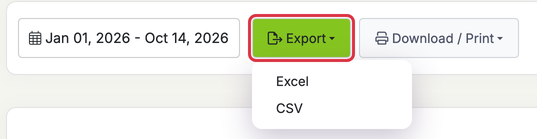
By default it will show current year to date. The date range filters by the invoice date, not the date the invoice was written off.  Use the Export dropdown to download an Excel or CSV file, or Download / Print to download a PDF or print it.
  Click here to learn how to write off an invoice.