Your Business Profile
Your Business Profile is where you store your company information, contact details, and branding. This information is used throughout LawnPro on your invoices, estimates, and other customer-facing documents.
Many features in LawnPro pull information from this profile so it is important to make sure you keep this information correct and up to date.
To get to your Business Profile, click the gear icon at the top right of the screen.
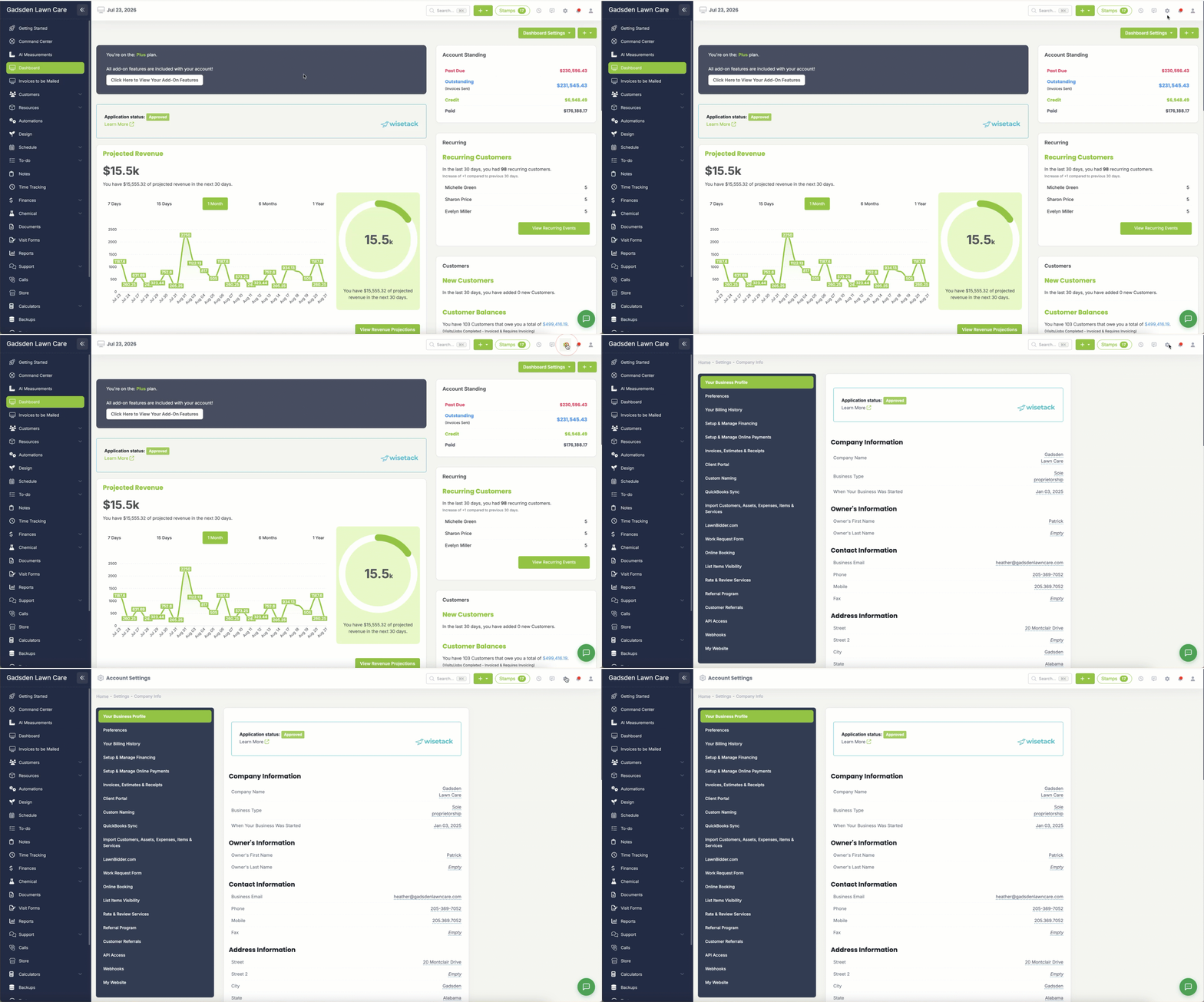
On this page you will fill out the information about your company including:
Company Information
- Company Name — Your business name as it will appear on invoices, estimates, and emails sent to your customers
- Business Type — The legal structure of your business (sole proprietorship, LLC, corporation, etc.)
- When Your Business Was Started — The date your business was founded
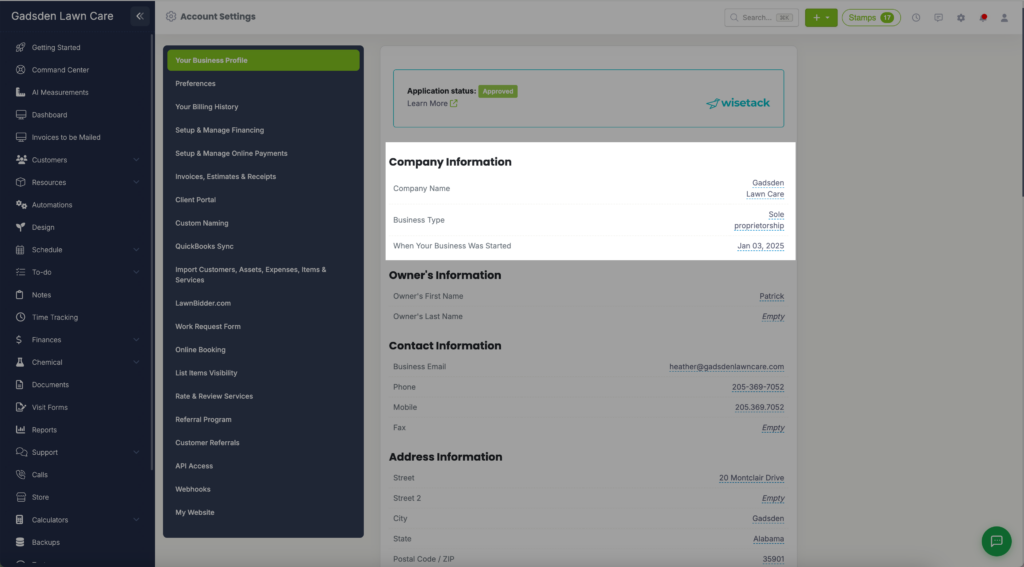
Owner’s Information
- Owner’s First Name — The first name of the business owner
- Owner’s Last Name — The last name of the business owner
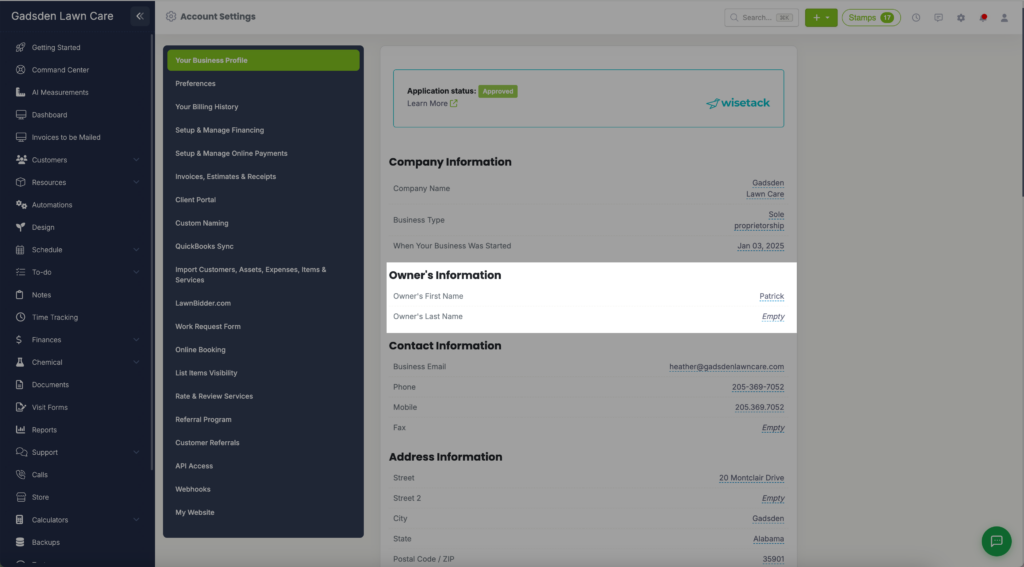
Contact Information
- Business Email — The email address associated with your LawnPro account and used for business communications
- Business Email 2 and Business Email 3 — extra addresses for business emails
- Phone — Your main business phone number
- Mobile — Your mobile phone number
- Fax — Your fax number if applicable
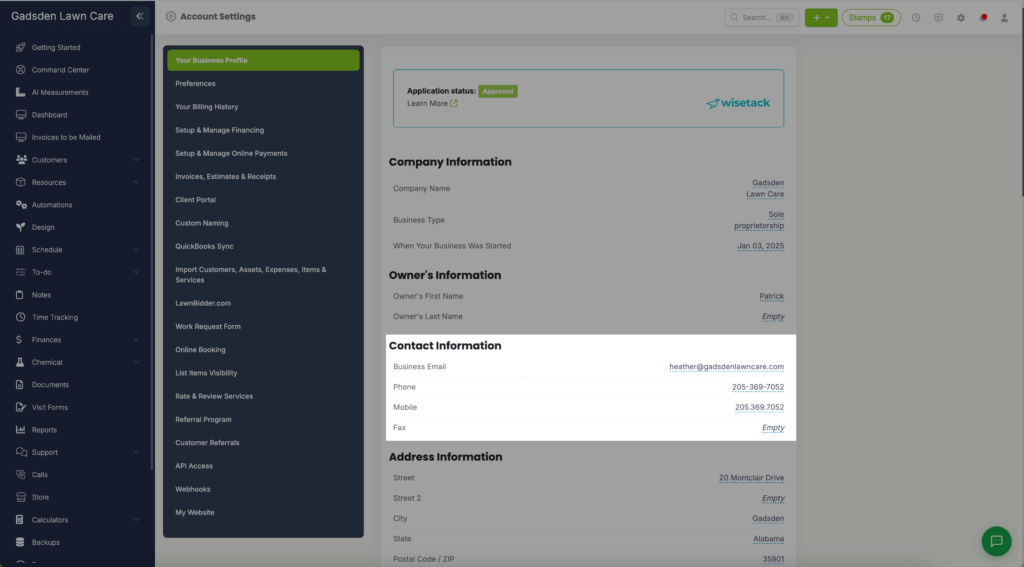
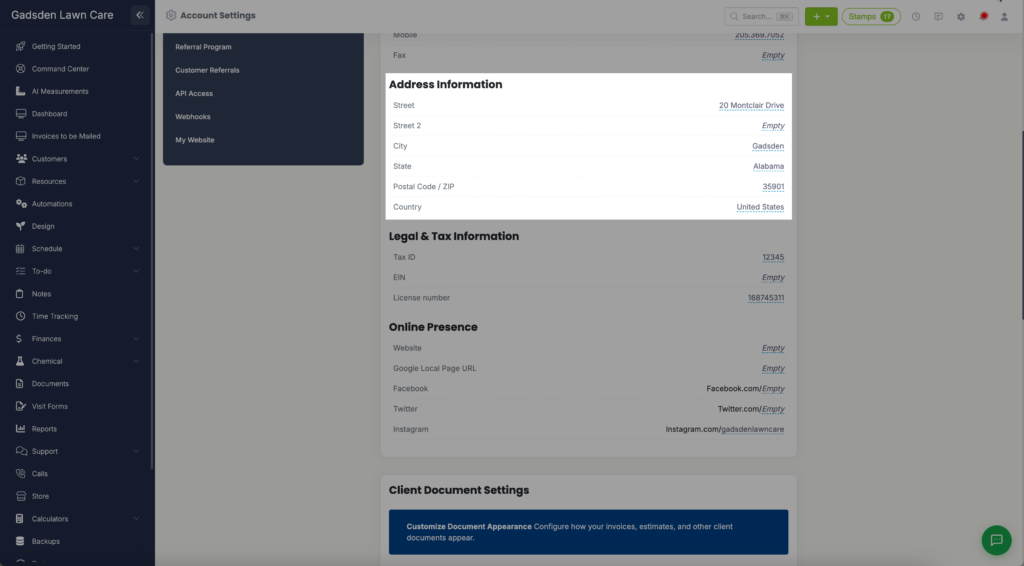
Address Information
- Street — Your business street address
- Street 2 — Apartment, suite, or unit number if applicable
- City — Your business city
- State — Your business state
- Postal Code / ZIP — Your business zip code
- Country — Your business country
- ABN — Australian accounts only
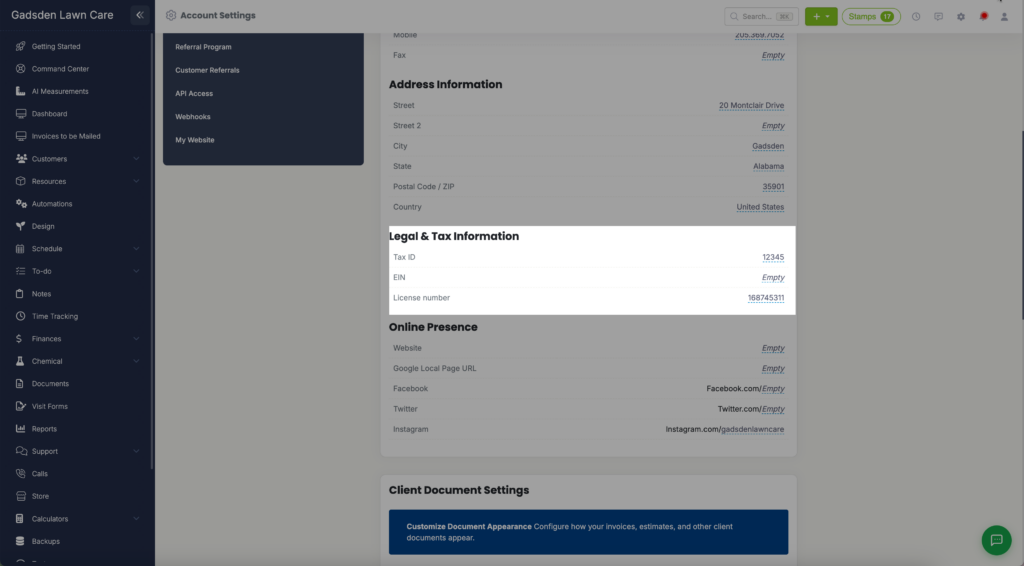
Legal & Tax Information
- Tax ID — Your business tax identification number
- EIN — Your Employer Identification Number
- License Number — Your business or contractor license number
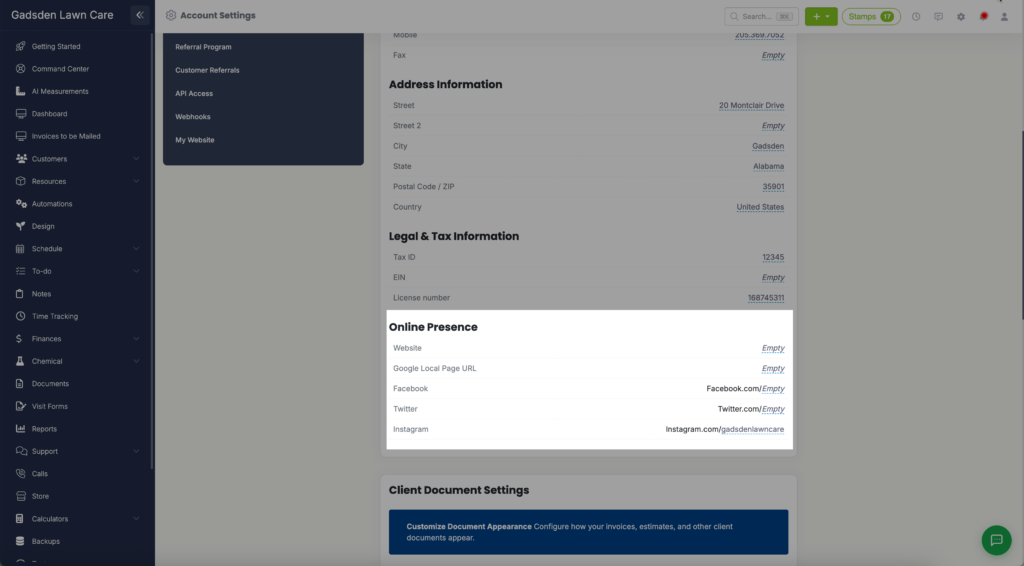
Online Presence
- Website — Your business website URL
- Google Local Page URL — The link to your Google Business Profile page
- Facebook — Your Facebook page URL
- Twitter — Your Twitter profile URL
- Instagram — Your Instagram profile URL
- Google Review Page Link — the link to your Google review page
Client Document Settings
- Customize Document Appearance — Click Open Document Settings to customize how your invoices, estimates, and other client documents look
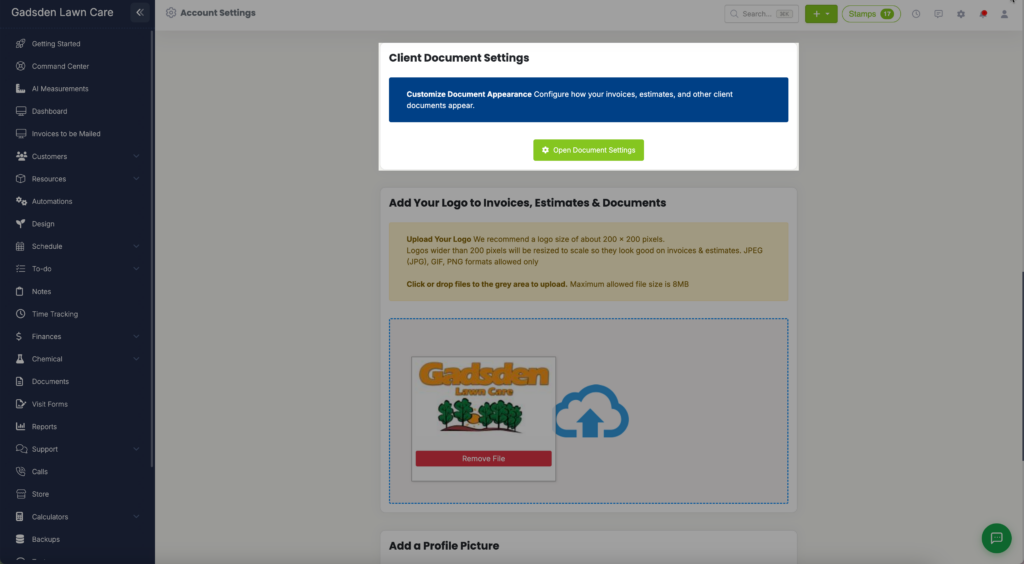
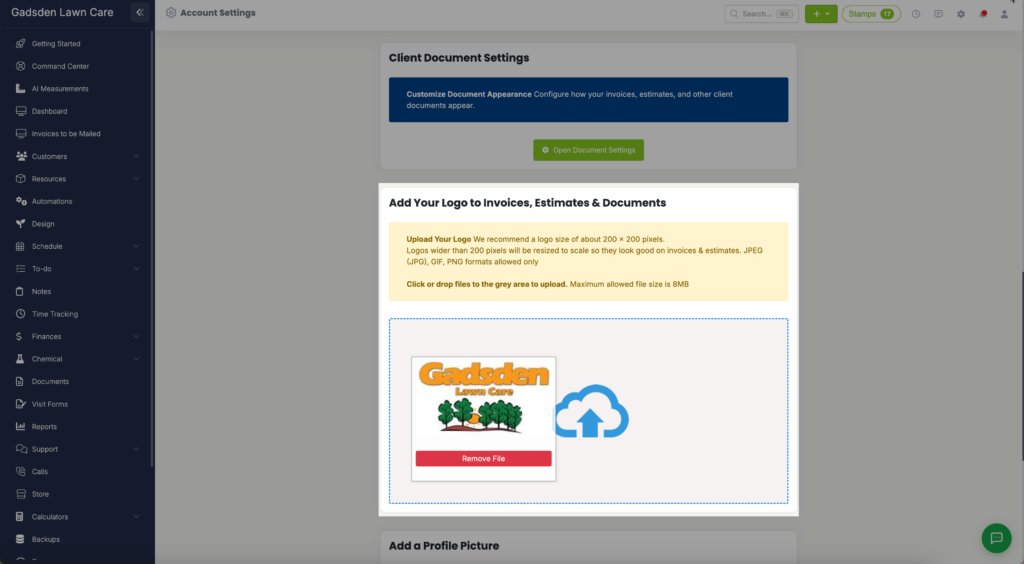
Add Your Logo to Invoices, Estimates & Documents
- Upload your company logo here. Your logo will appear on all invoices, estimates, and documents sent to customers. Recommended size is 200×200 pixels. Accepted formats are JPEG, JPG, GIF, and PNG. Maximum file size is 8MB.
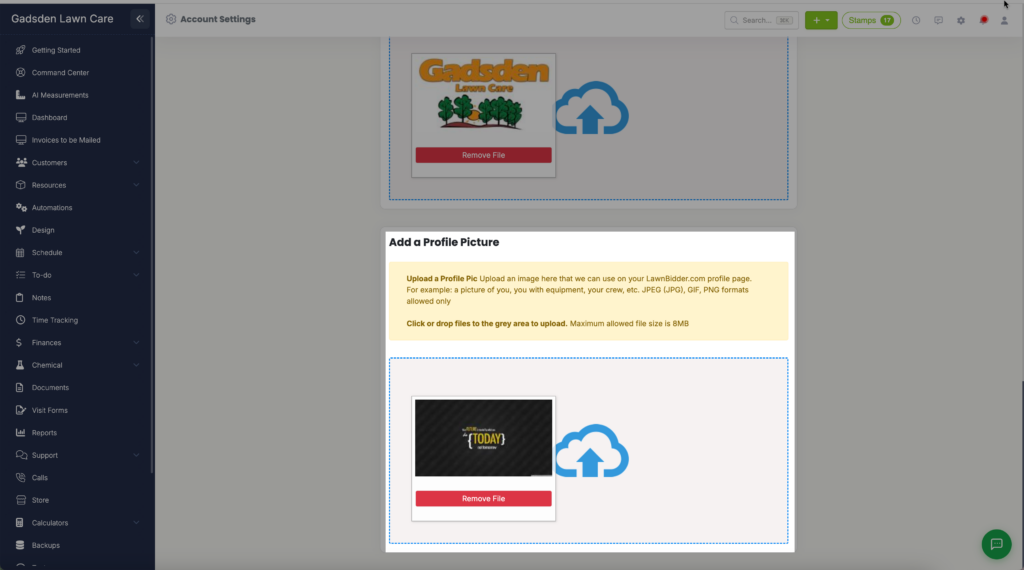
Add a Profile Picture
- Upload a profile picture to be used on your LawnBidder.com profile page. This could be a photo of you, your crew, or your equipment. Accepted formats are JPEG, JPG, GIF, and PNG. Maximum file size is 8MB.
At the bottom is Delete My Account and All Account Data. Only use this if you want to permanently close your account.