Overview
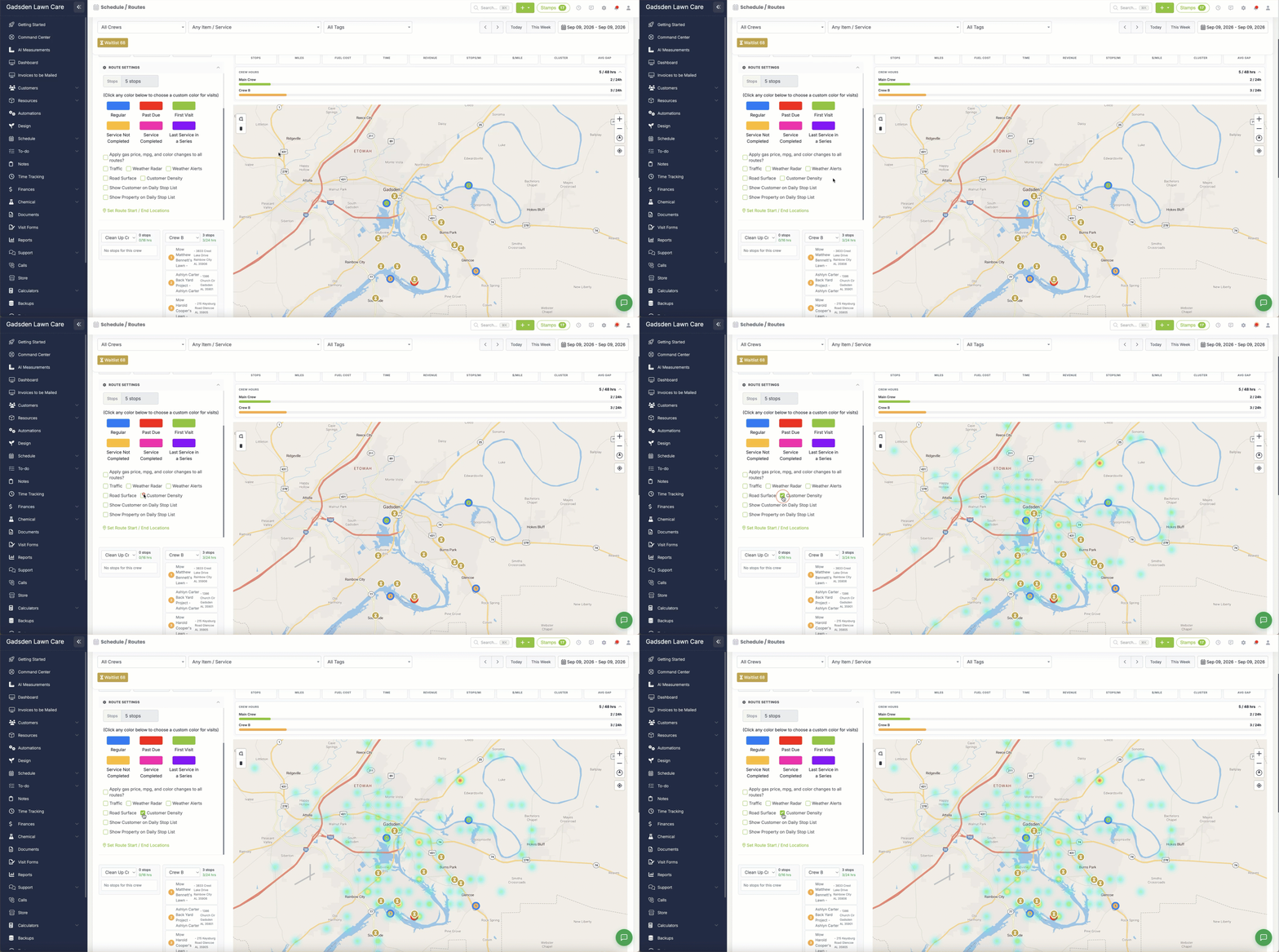
Customer Density is a heatmap overlay on the route map that shows where your customers are concentrated. Areas with more customers show up warmer (orange/red); areas with fewer show up cooler (teal/green). It’s a quick way to spot which parts of your service area are dense with customers and which are more spread out — useful for planning routes or deciding where to focus marketing.
Turning It On
Go to Schedule > Routes and expand Route Settings. Check the “Customer Density” box to turn the heatmap on over the map. Uncheck it to turn it back off.