Tax Reports
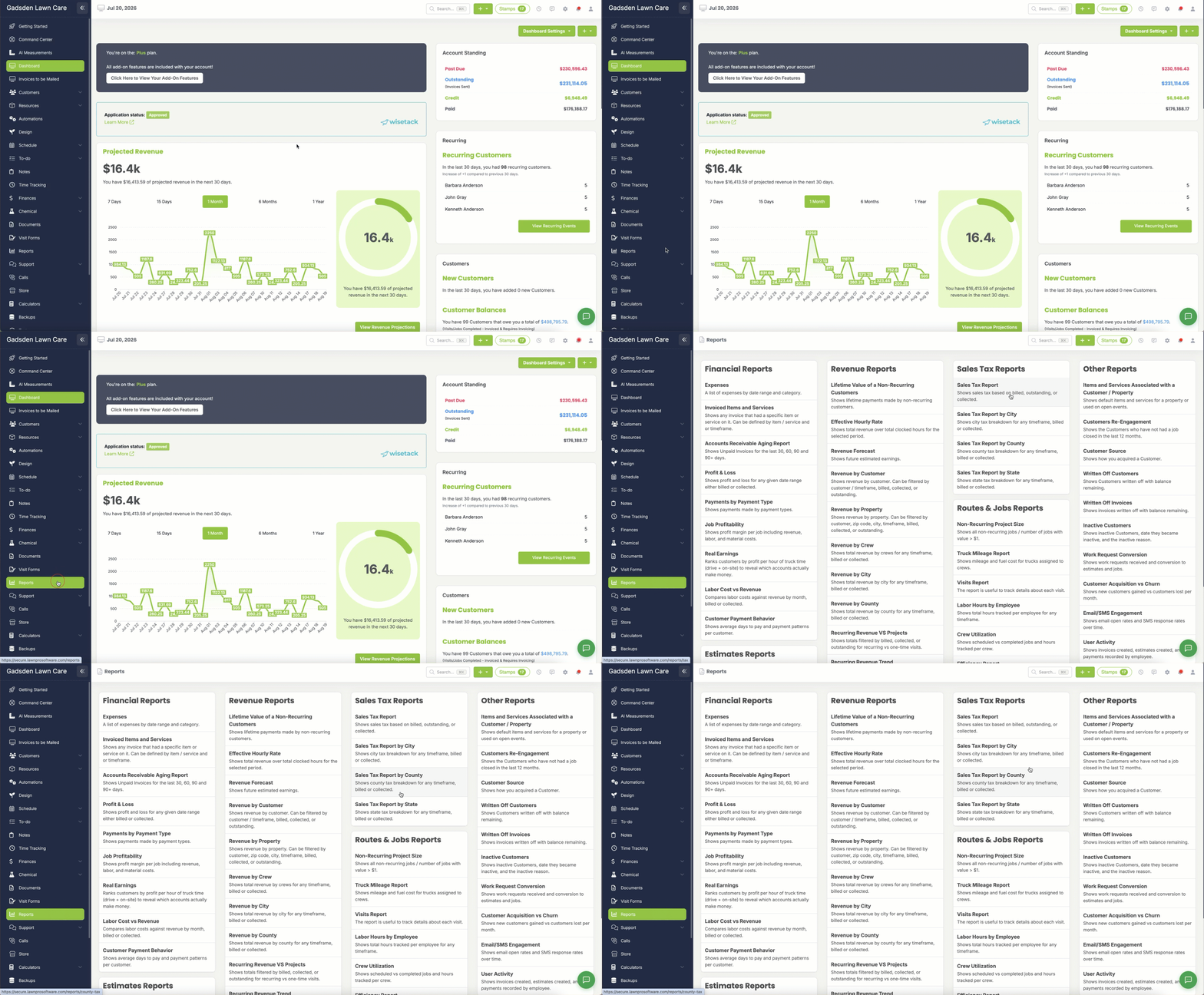
LawnPro makes it easy to see exactly how much sales tax you have collected so you always know what you owe. There are four tax reports available depending on how you need to view your data.
Sales Tax Report
Shows your sales tax based on billed, outstanding, or collected amounts for any timeframe.
Sales Tax Report by City
Shows a city by city tax breakdown for any timeframe. You can view by billed or collected.
Sales Tax Report by County
Shows a county by county tax breakdown for any timeframe. You can view by billed or collected.
Sales Tax Report by State
Shows a state by state tax breakdown for any timeframe. You can view by billed or collected.
How to Access Your Tax Reports
- Go to the Reports section
- Select the tax report you need
- Choose your date range
- Select whether you want to view by billed, outstanding, or collected
- Click to generate your report