1. Home
  2. Knowledge Base
  3. Integrations
  4. Zapier
  5. Getting Started With Zapier
Searching...

Getting Started With Zapier

 Zapier moves info between your web apps automatically, so you can focus on your most important work.

Lawn Pro has integrated with Zapier so our users can automate even more of the things that slow them down.

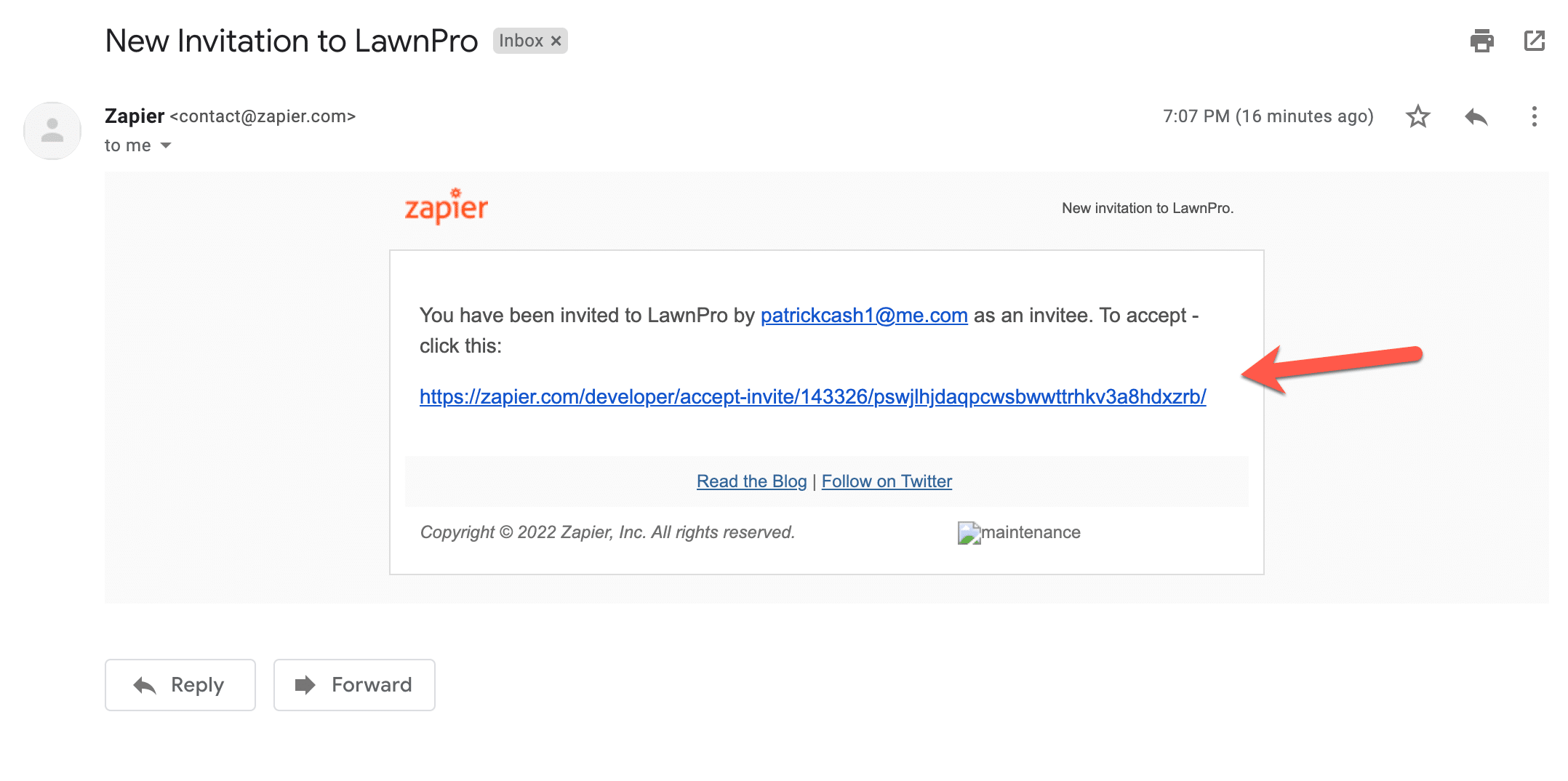
Once you receive your email invite to use Zapier with LawnPro, click the link in the invite.
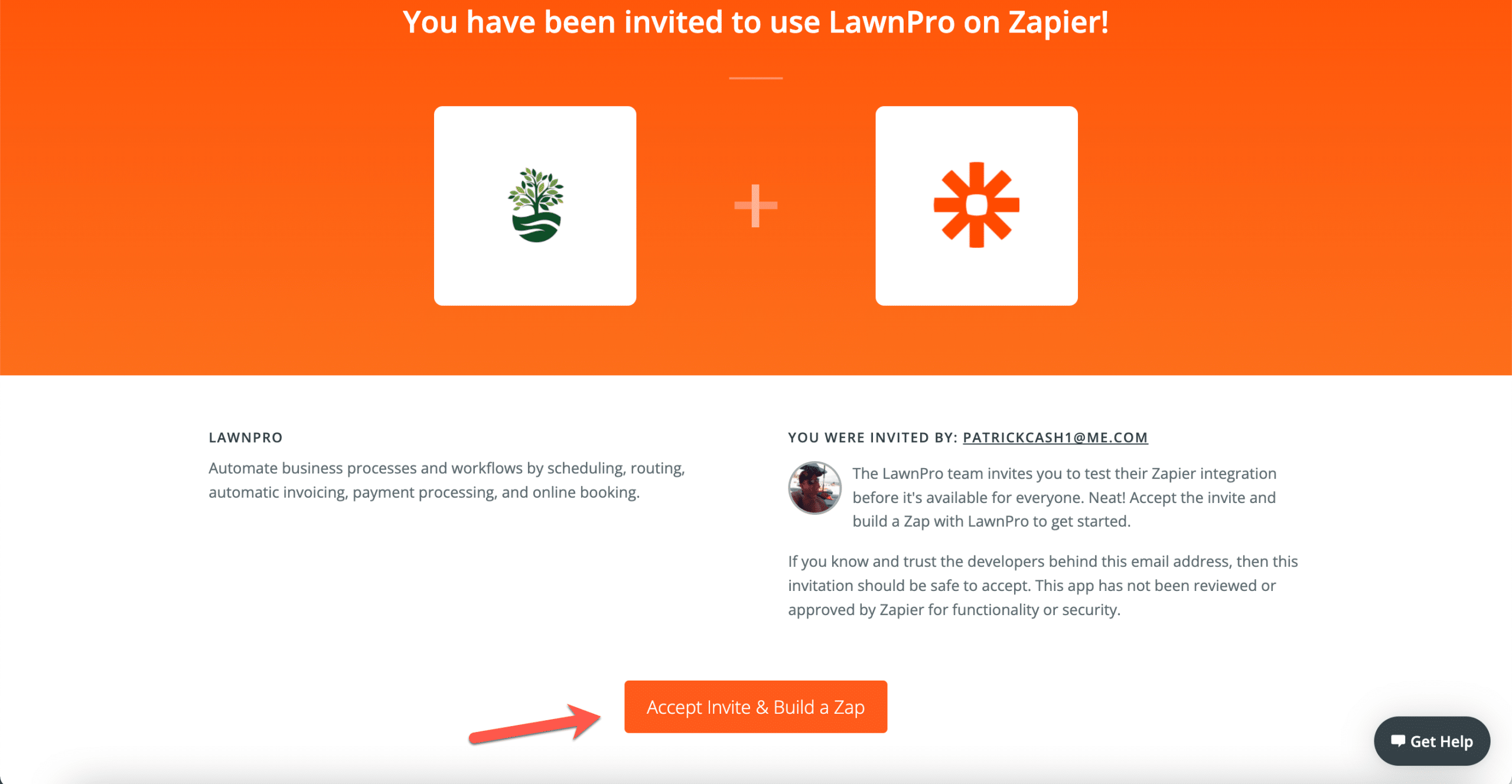
This will take you to Zapier where you can then click “Accept Invite and Create Zap“
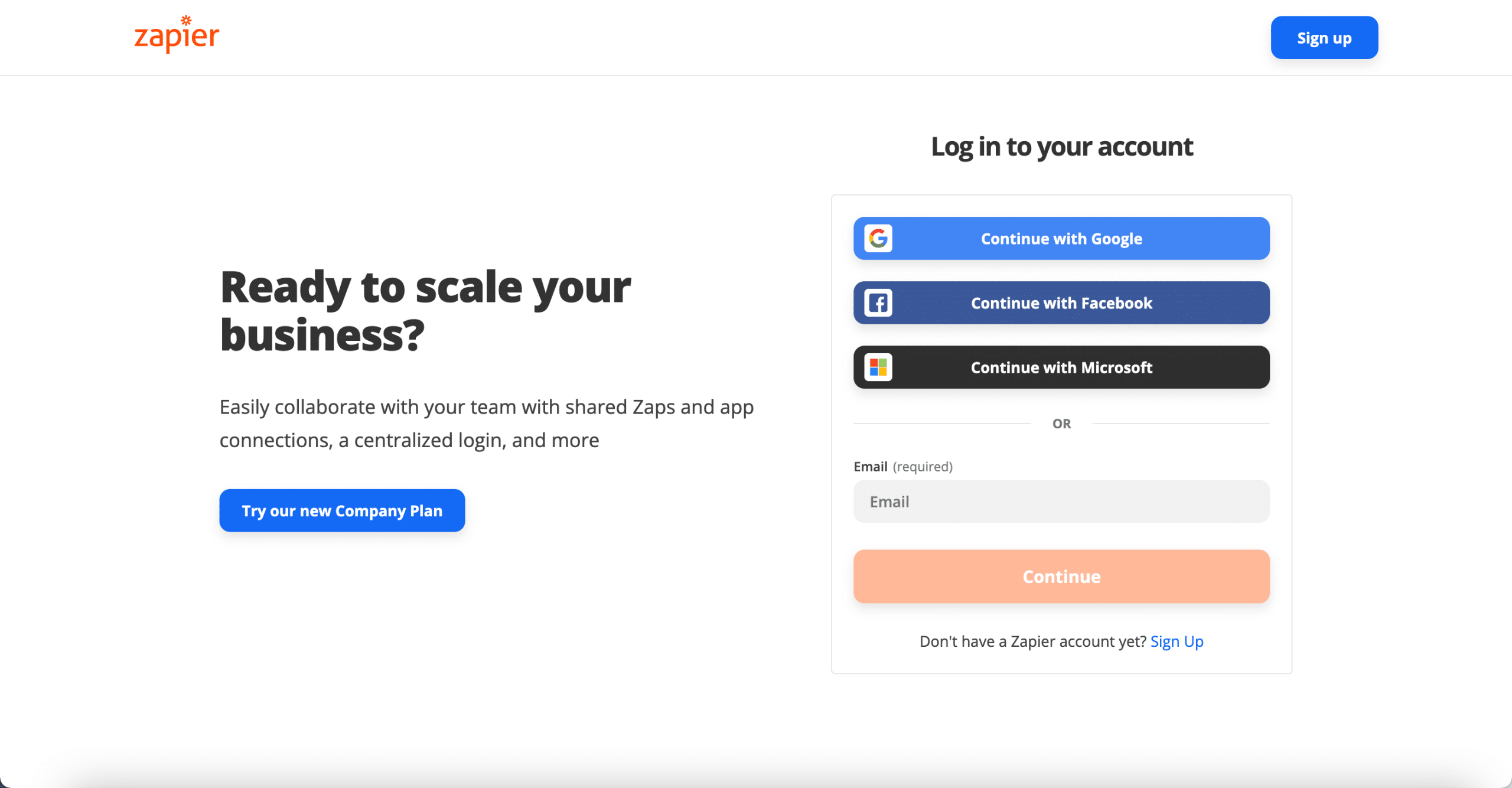
You will then be asked to login to an existing Zapier account or to create a new one.

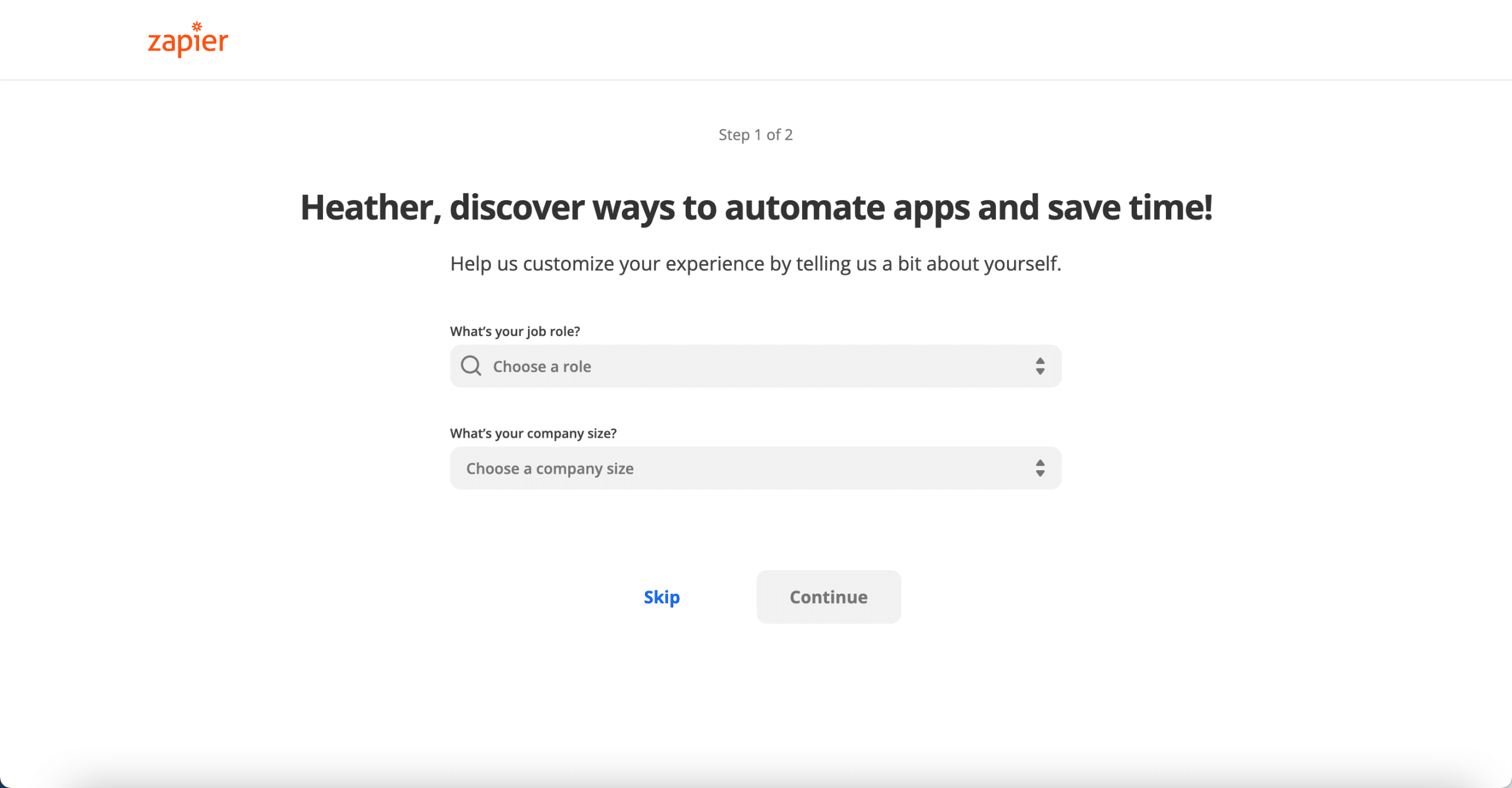
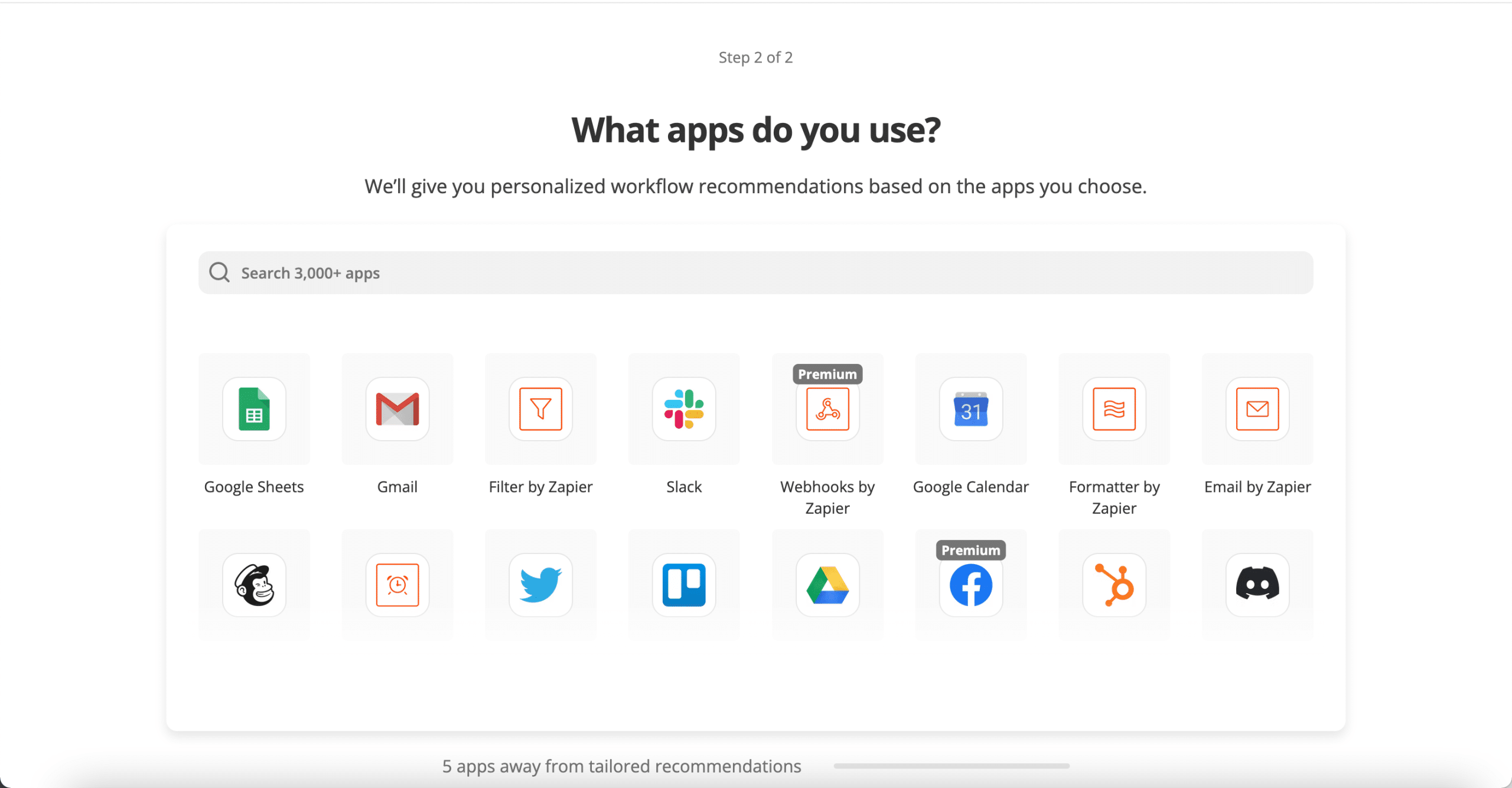
If you created a new account, you will see options to customize your Zapier experience. 
You can then select the apps you use most. You can search for Lawn Pro here. 
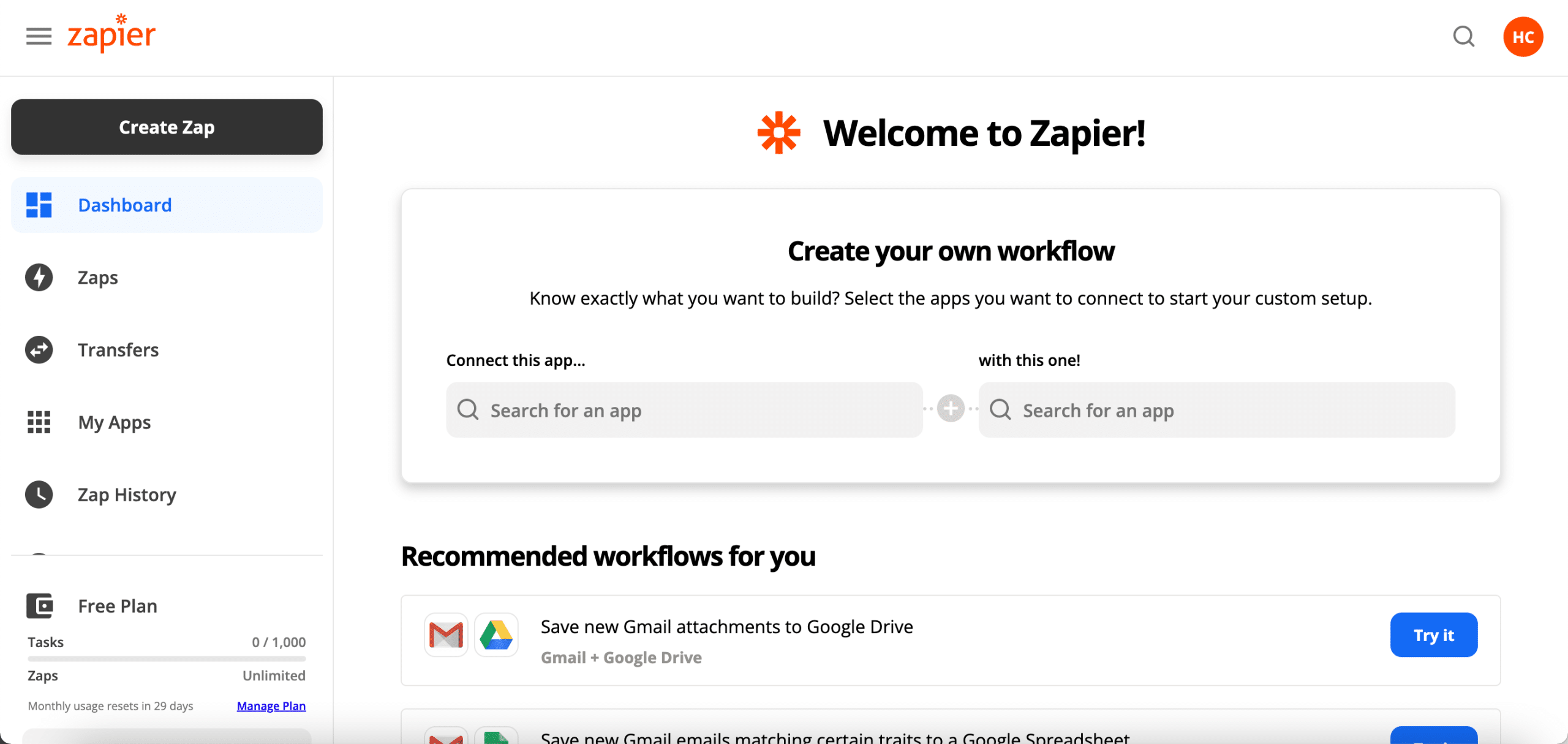
After you have completed or skipped those steps you will be taken to your Zapier dashboard where you can start setting up your Zaps.

Updated on August 12, 2026
Tagged: how to set up zapierzapier signupzaps
Was this article helpful?
Yes No

Related Articles

  • Example of Setting Up a Zap
  • Different Field Types in Zaps
  • Setting Up a Zap Trigger
  • Setting Up a Zap Action
  • View and Manage Zap History
  • Add Delays to Zaps
LawnPro Software
  • Terms of Service
  • Privacy Policy
  • Sales Policy
  • Earnings Disclaimer
  • Terms of Service
  • Privacy Policy
  • Sales Policy
  • Earnings Disclaimer
Company
  • Site Map
  • Get More Lawn Care Customers
  • Site Map
  • Get More Lawn Care Customers
Quick Contact
  • 7am-7pm CST
  • 7 Days a Week
  • 205.369.7052
Follow Us
Facebook Youtube Instagram Twitter

© 2003-2023 LawnPro Software Rated 4.8 / 5 based on 7531 customer reviews. Software to run your lawn business!