To view the Customers, Properties, Visits, etc where you used tags, go to Resources > Tags.
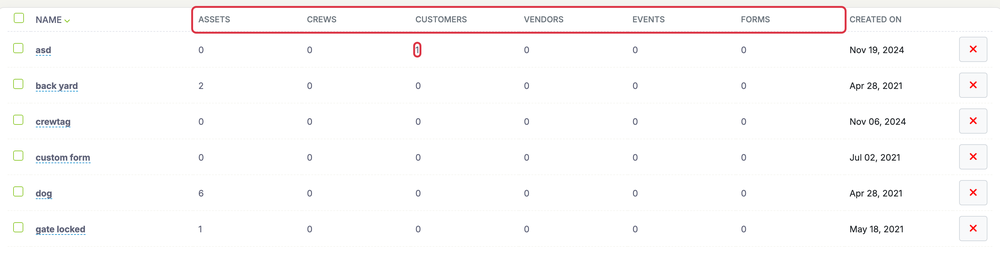
Find the tag you are wanting to view and click the number under the column for the category you want to view where you used the tag. The columns are Assets, Crews, Customers, Vendors, Events and Forms.
This will take you to a list of items with the tag you chose to view.
To learn how to create and edit tags click here