- Go to Customers > Customers.
- Find the customer and click the pencil icon to open their profile.

- Scroll down to the notes card and stay on the Customer Notes (For internal use) tab. These notes are only for you and your team. Customers never see them.
- Type your note, such as preferences or gate instructions.
- Click the green Update Notes button. Your note isn’t saved until you click it.
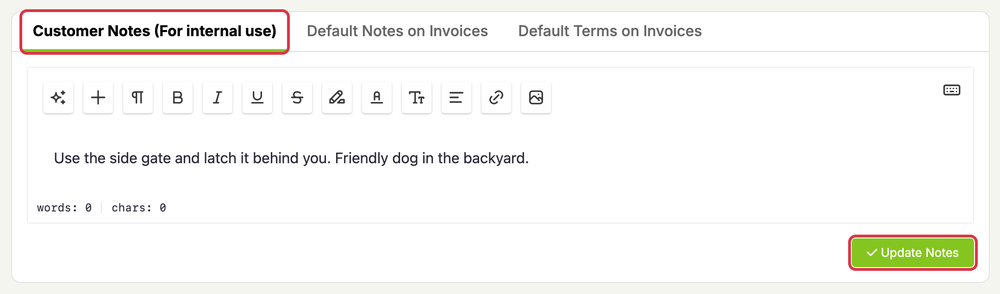
The same card has Default Notes on Invoices and Default Terms on Invoices tabs. Text on those tabs is printed on this customer’s invoices.