List Items Visibility
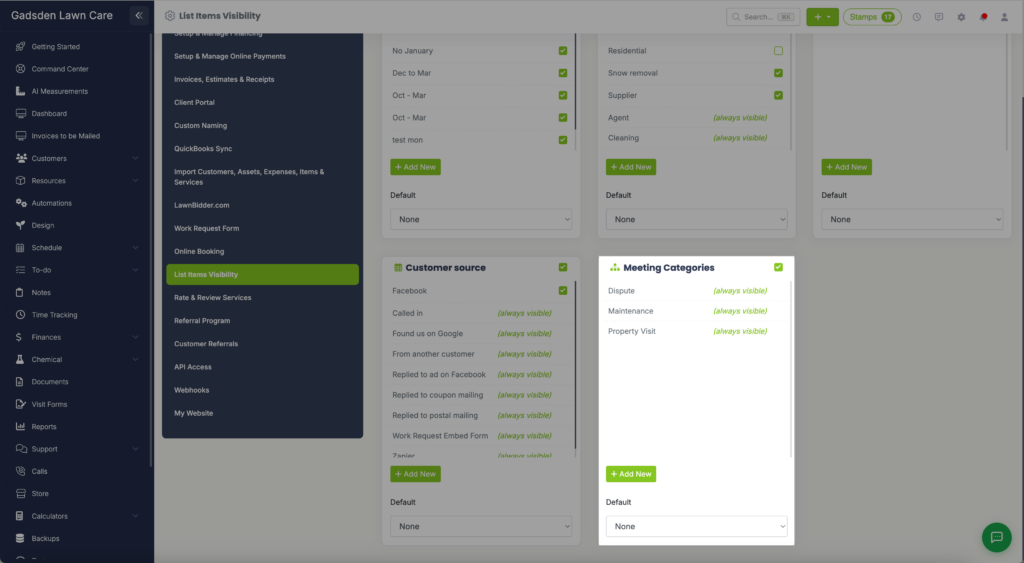
List Items Visibility is where you manage the dropdown lists that appear throughout LawnPro. You can add new options, hide existing ones, and set defaults for each list. To access these settings go to the gear icon in the top right corner → List Items Visibility.
Each list has a checkbox at the top to show or hide the entire list. Individual items can also be shown or hidden using the checkbox next to each one. Items marked as always visible are system defaults that cannot be hidden.
Off-Seasons
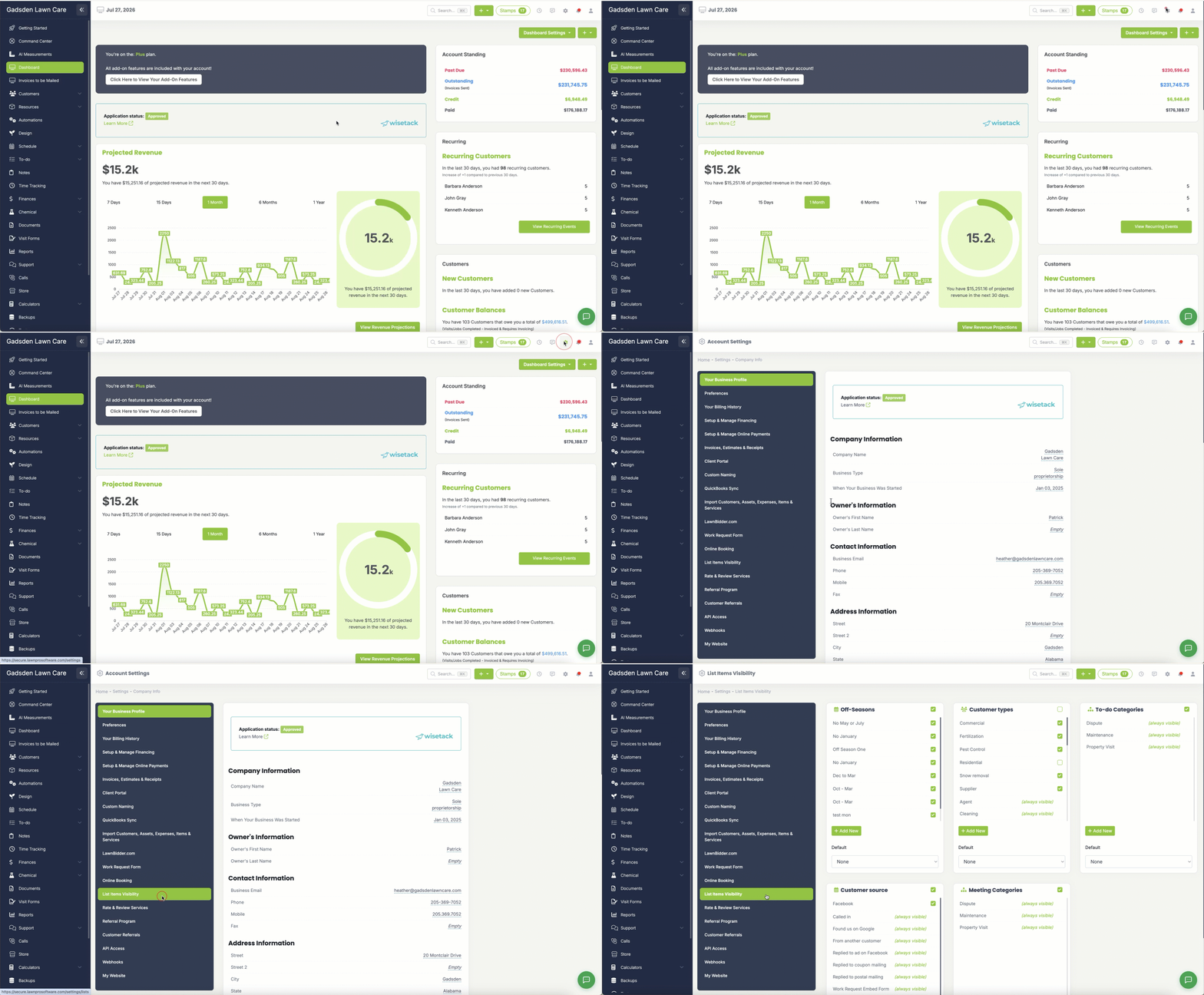
Manage your off-season options used when setting up recurring visit schedules. Off-seasons allow you to pause recurring visits during months you don’t service. Click Add New to create a new off-season. You can also set a Default off-season that will be selected automatically.
Customer Types
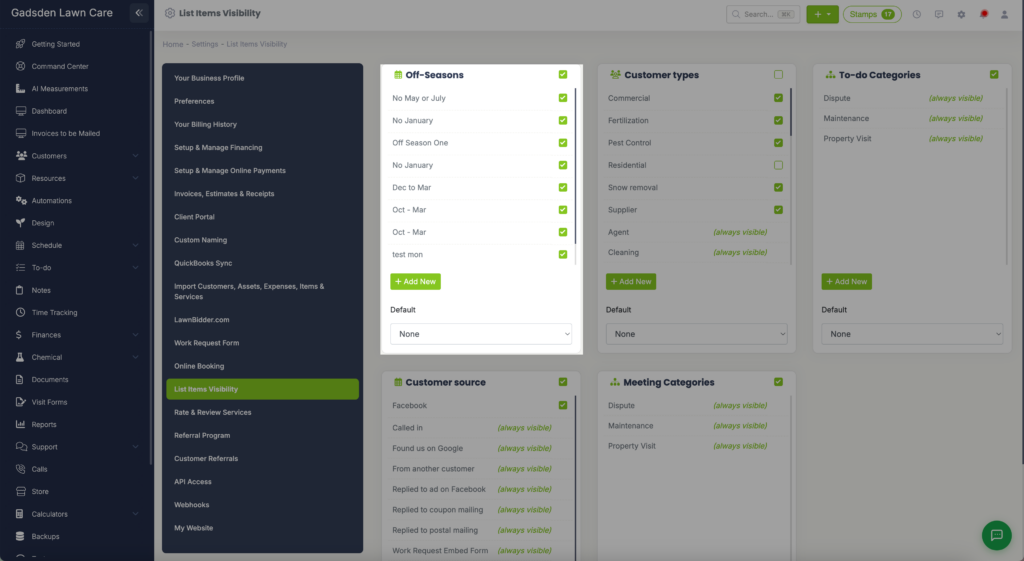
Manage the customer type options available when adding or editing a customer. Examples include Commercial, Residential, Fertilization, Pest Control, and more. Click Add New to add a custom customer type. You can also set a Default customer type.
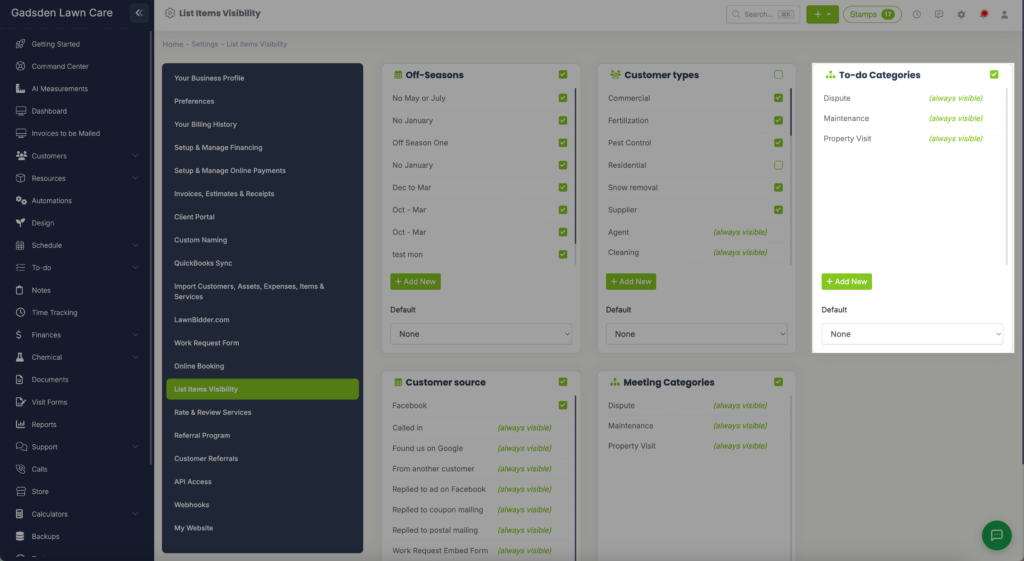
To-Do Categories
Manage the categories available when creating to-do items. Click Add New to add a custom category. You can also set a Default category.
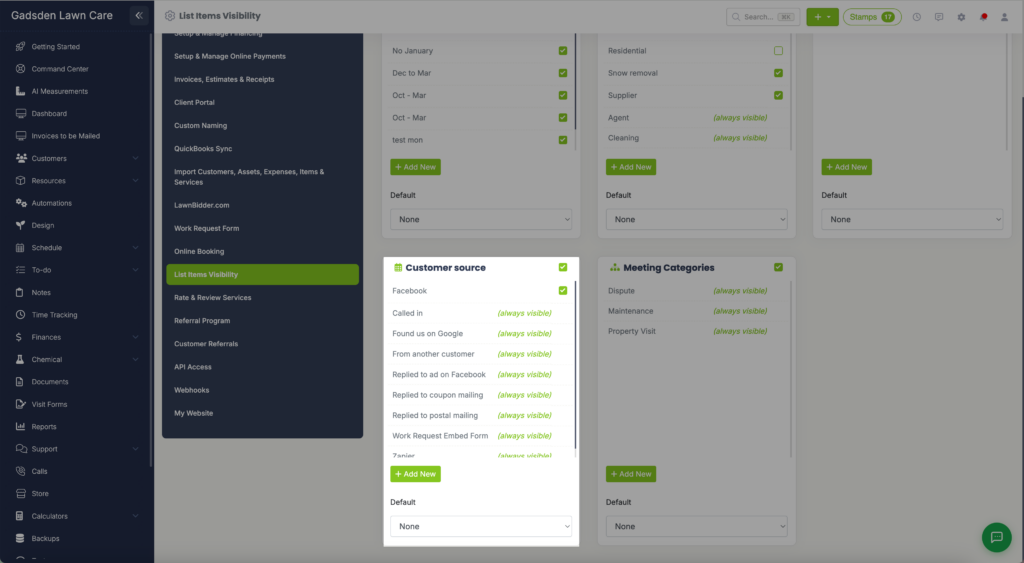
Customer Source
Manage the options available for tracking how your customers found you. Examples include Facebook, Called In, Found Us on Google, From Another Customer, and more. Click Add New to add a custom source. You can also set a Default customer source.
Meeting Categories
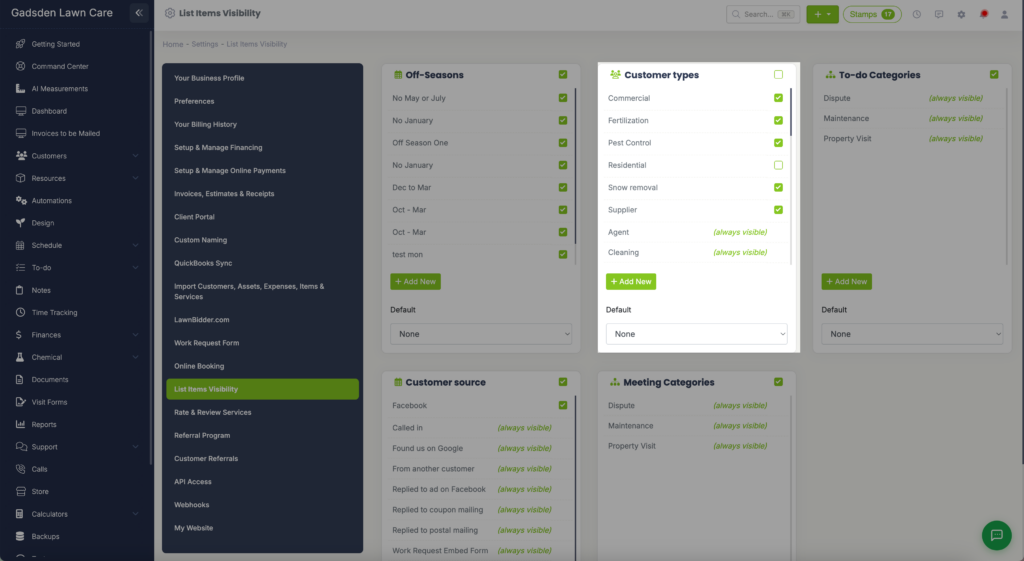
Manage the categories available when scheduling meetings on your calendar. Click Add New to add a custom category. You can also set a Default meeting category.