Table of Contents
-
Overview
We have made it easy to instantly communicate with your clients and manage your conversations in one place. Two-way Text Messaging allows you to start and carry on a conversation with a customer directly in LawnPro so you can continue to work without switching between programs.
Texting is included on the Plus plan. On other plans, you can add it for $25 a month.
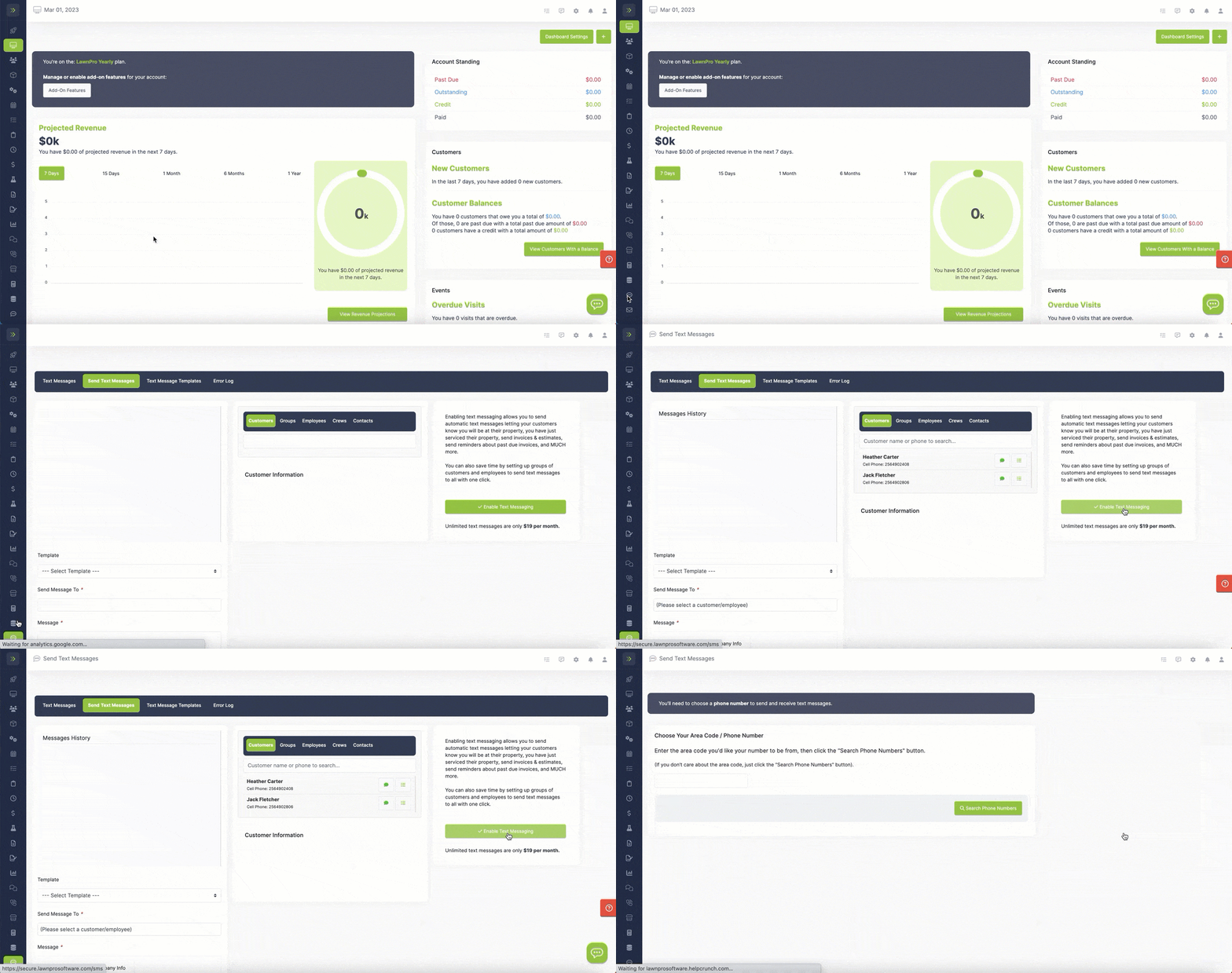
This article covers how to use two-way text messaging while using LawnPro on desktop.
Text messaging is available to employees with the 2 Way Text Messaging privilege. To change it, go to Resources > Employees and update the employee’s privileges.
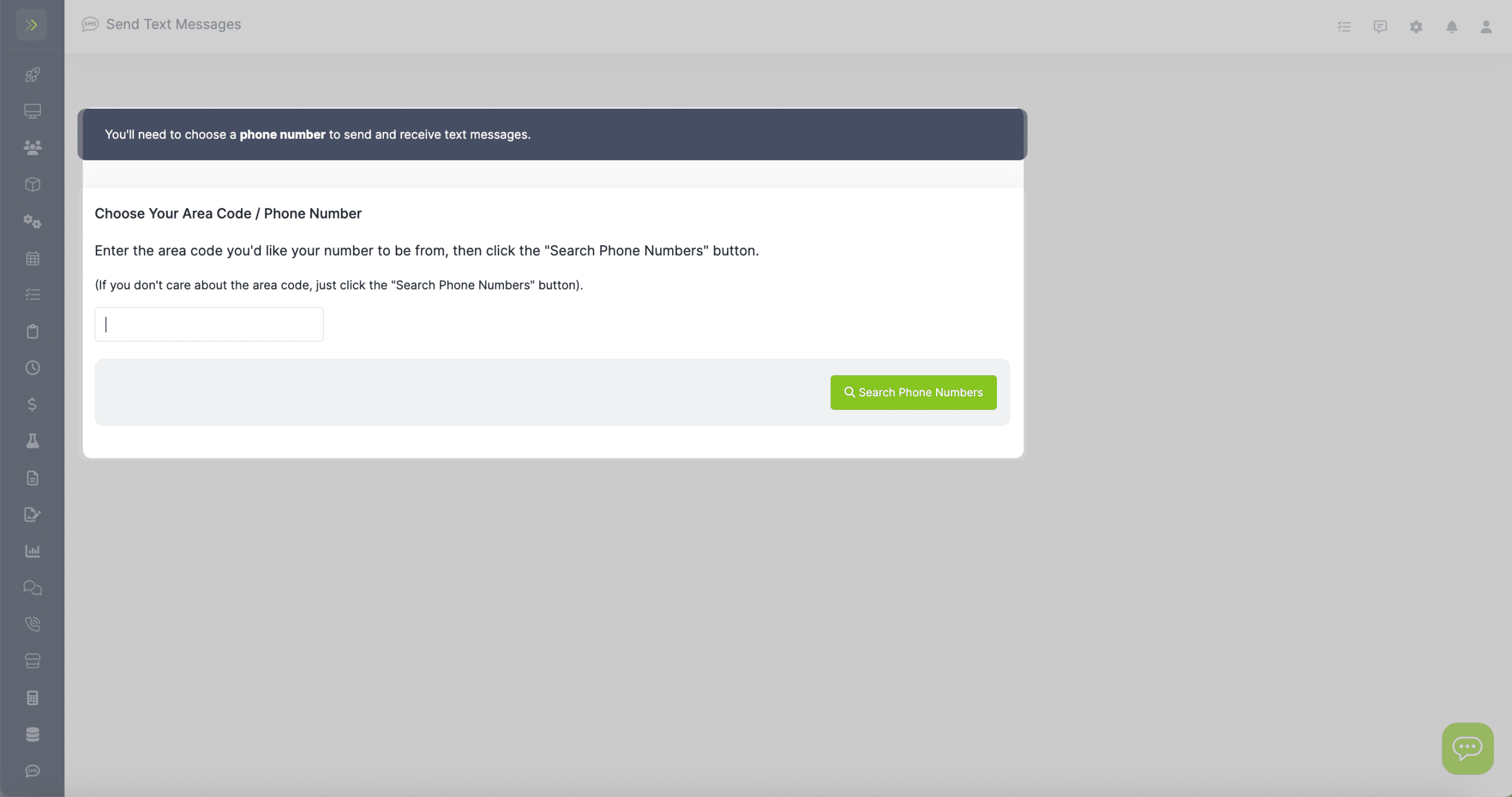
Choosing a Phone Number
Once you have Texting enabled, you will be asked to enter your area code so you can choose a phone number that you will use for texting with LawnPro.
Text Tab
Once you have chosen your number you will see the Text Messaging dashboard.
The page has four tabs: Text Messages, Send Text Messages, Text Message Templates and Error Log. If we need to verify your business before you can text, you’ll also see a Resolution Center tab.
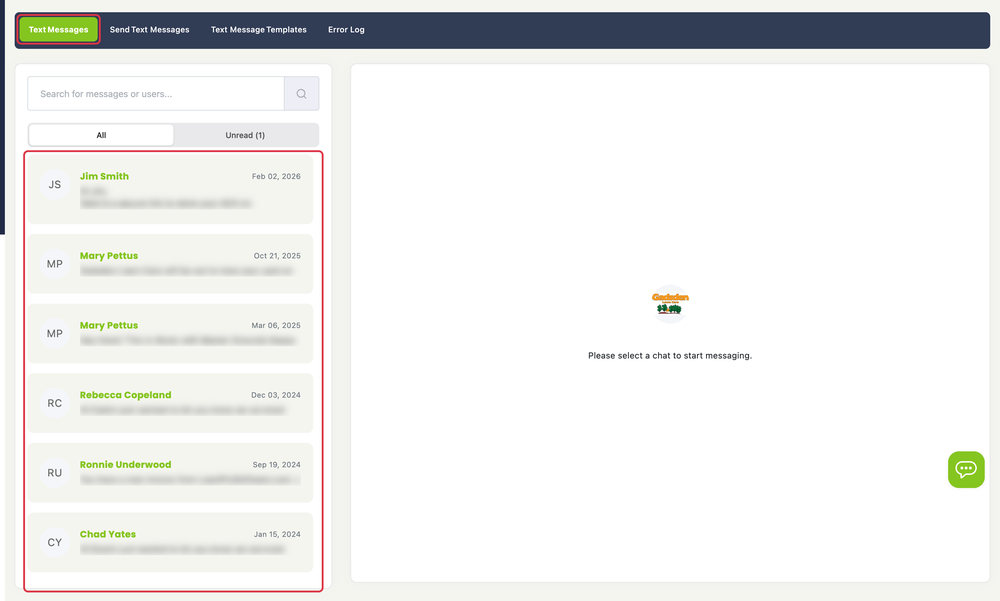
The first tab you come to is Text Messages.
This is where you will see your text conversation threads. Use the search box to find one, or click All or Unread to filter the list. In an open conversation, the ⋯ menu at the top right has Mark as Unread and Delete Conversation.
You can click on one to read previous messages between you and that customer or send a new message to them.
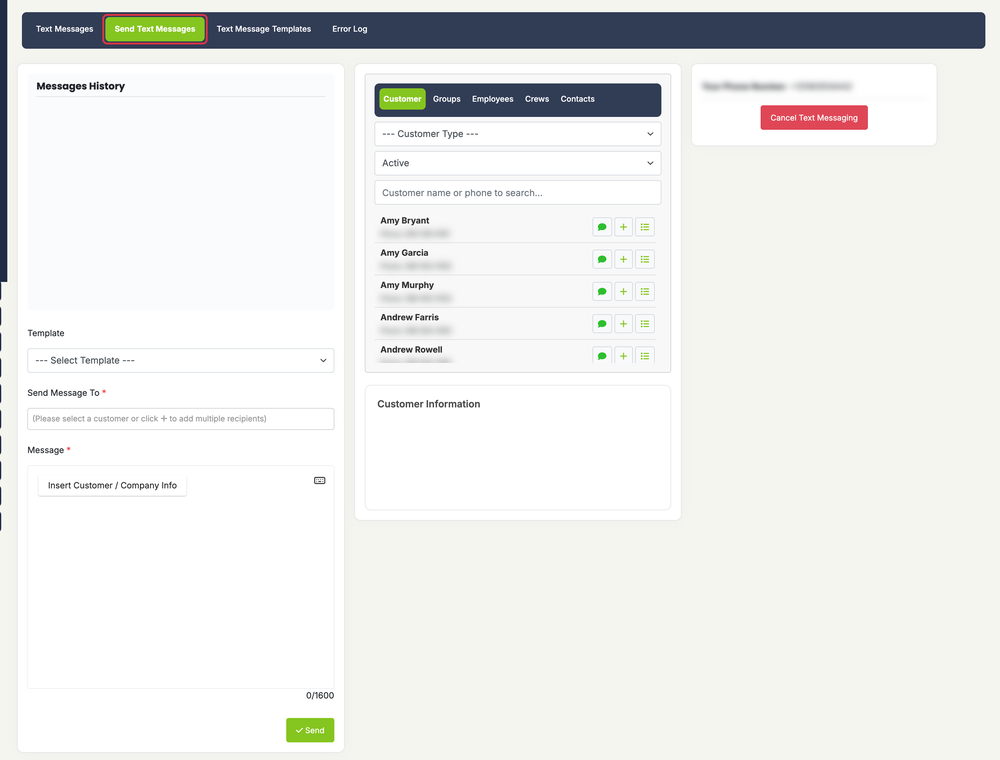
The second tab is Send Text Messages where you can manually send new text messages.
Click here to learn more about this tab.
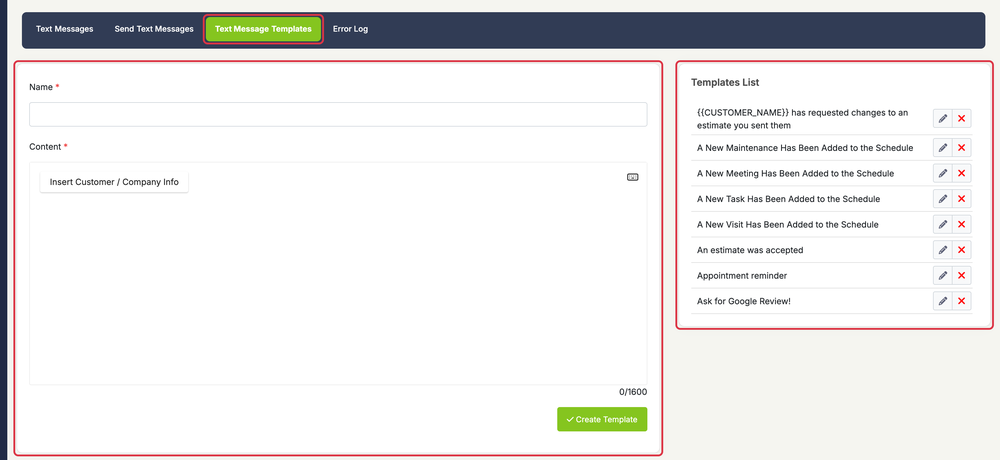
The third tab is Text Message Templates.
On this tab you will be able to create and edit your texting templates.
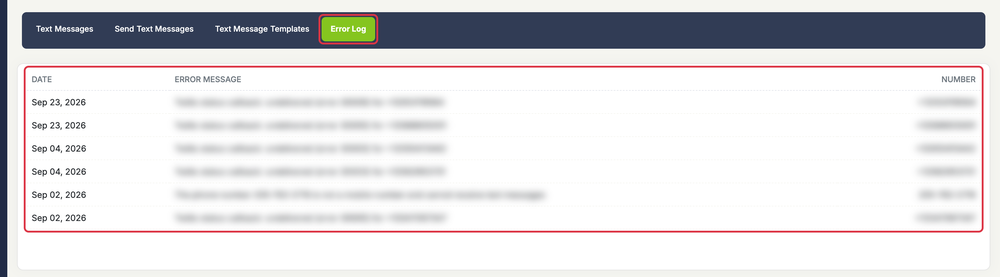
The final tab is the Error Log.
You can view any failed text messages and why they failed.