Stop and Start Locations for Routes
Table of Contents
Overview
Your route’s start and end locations are used to calculate mileage and drive time — for example, driving from your shop out to the first stop, and back from the last stop at the end of the day. You can set or change these locations in two places.
Setting It from Settings
Click the gear icon to open Settings, then go to Preferences. This is where you set your default start and end locations.
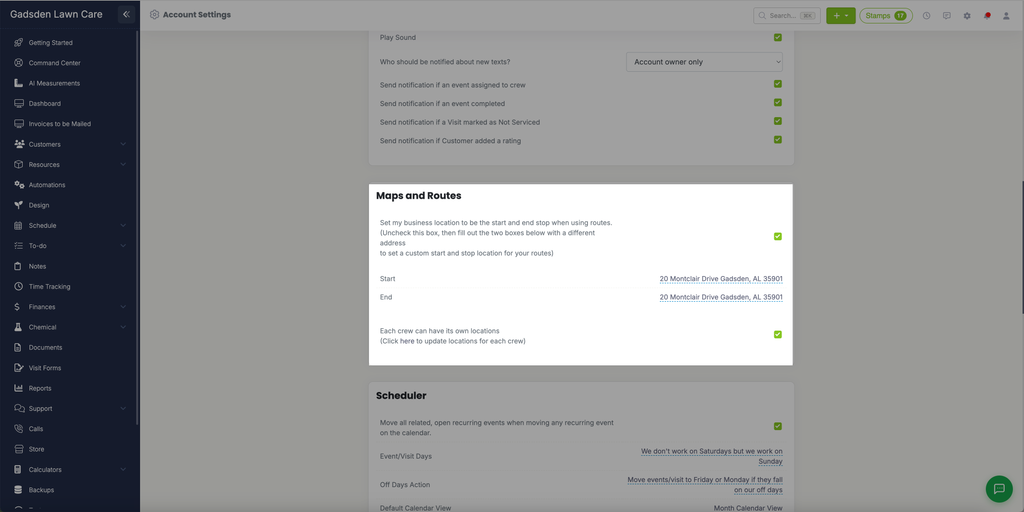
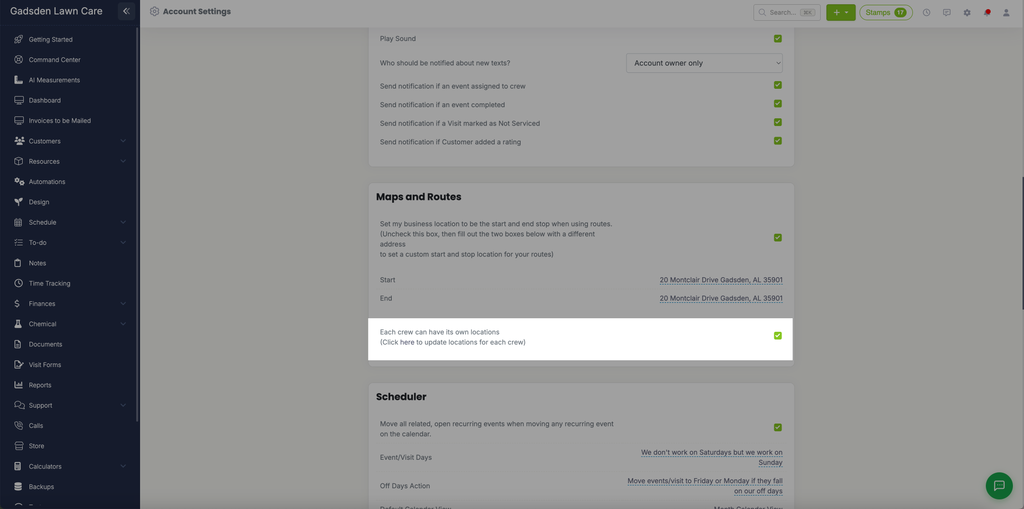
You can also give each crew its own start and end location. Check “Each crew can have its own locations,” then click the “here” link next to it to set a location for each crew individually.
Setting It from the Routes Page
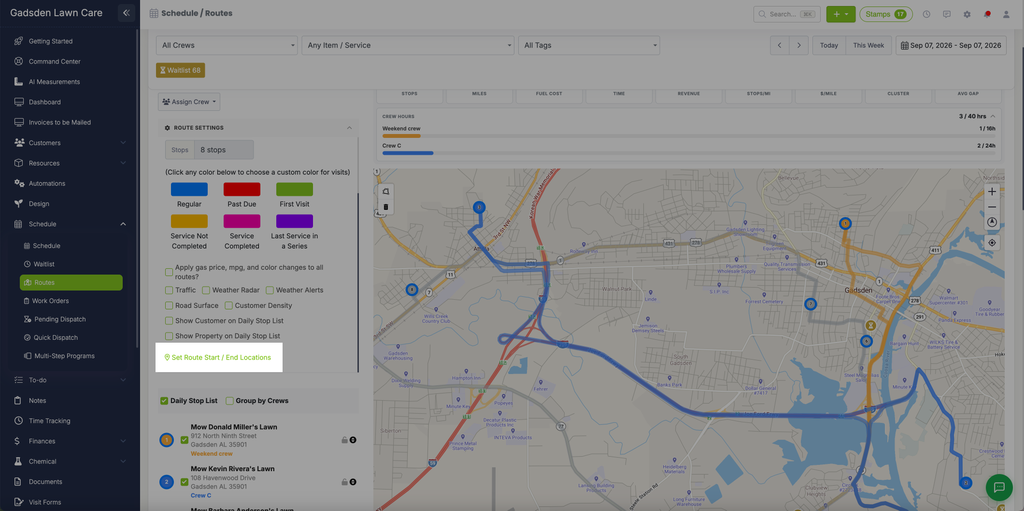
You can also change it per route. Go to the Schedule tab and click Routes. Right above the map, click “Set Route Start / End Locations.”