Table of Contents
Overview
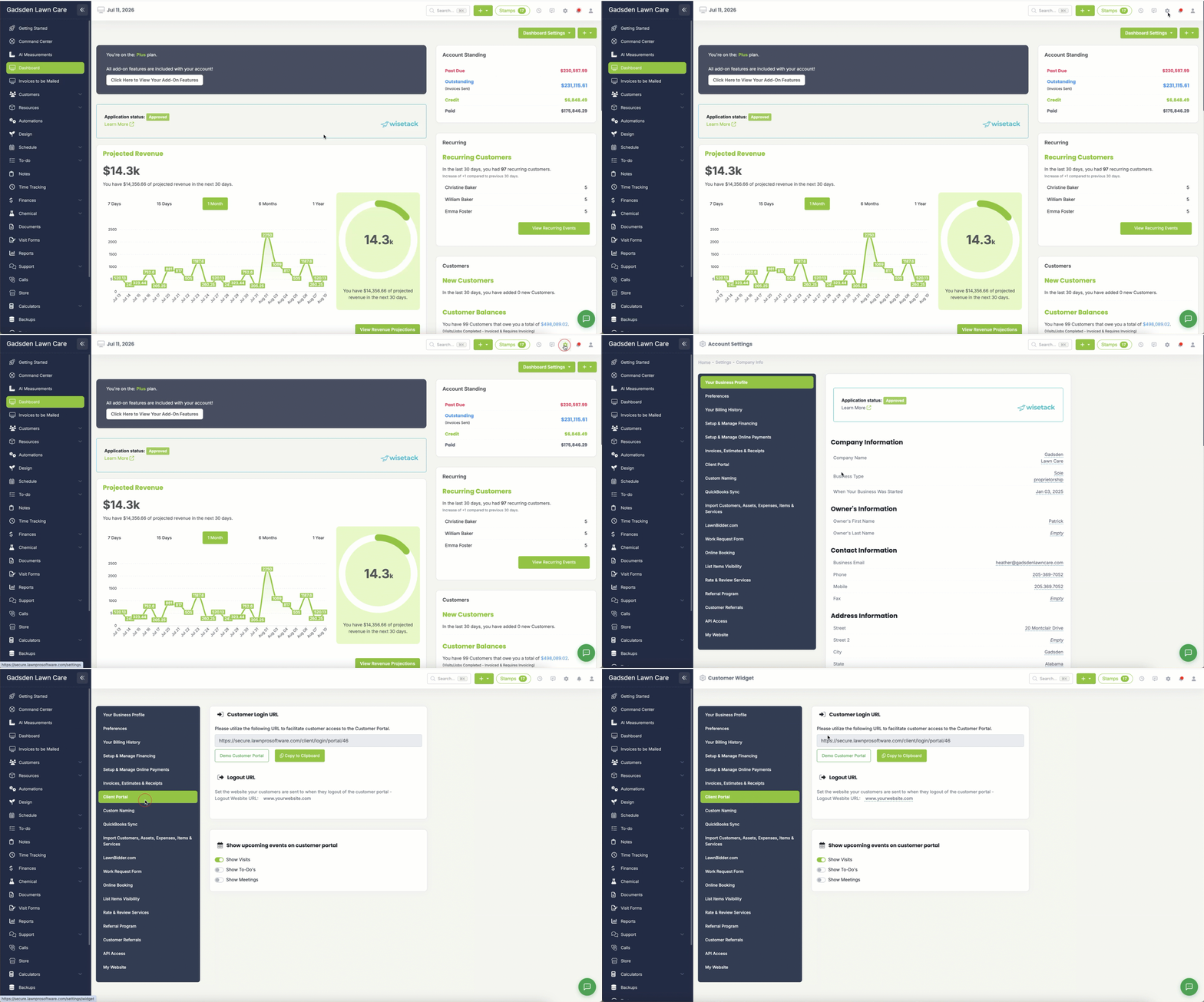
LawnPro offers a client login widget so you can give your clients the option to login to their client portal from your website. It’s included on Startup, Grow and Plus. On the free Solo plan it’s a $9/month add-on. The page gives you your Customer Login URL to link from your website, with Copy to Clipboard and a Demo Customer Portal button to preview it.
To get to the Client Portal Widget settings, click on the gear icon on the top right of the screen and select the “Client Portal” tab.
Logout URL
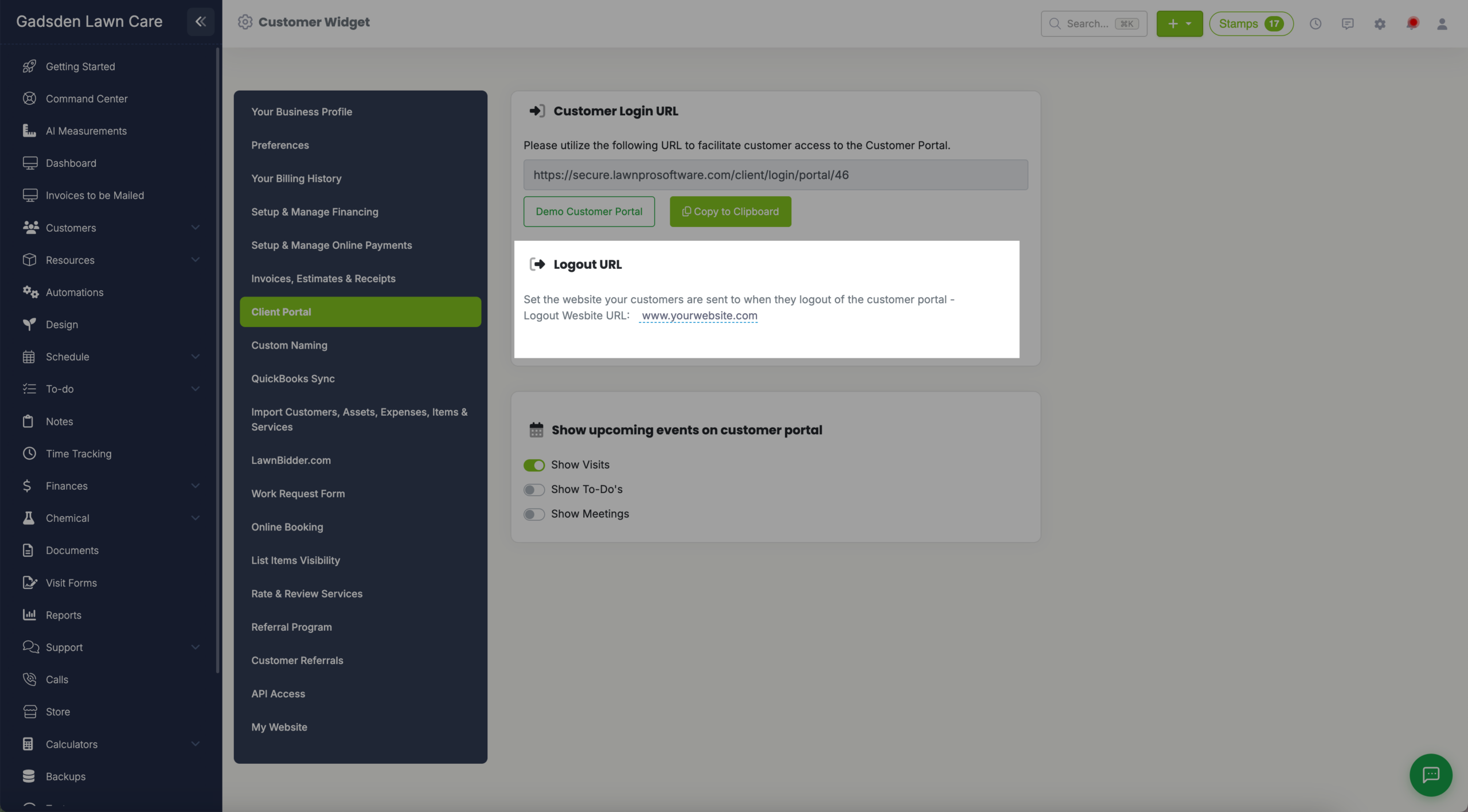
Under Logout URL, set the website URL for where you want the customer to be redirected once they log out of their portal.
For example if you want them to be taken back to your website once they log out of the client portal, you will enter your website URL in the box labeled: “Logout Wesbite URL (that’s how the label is spelled in the app). Below that, choose what upcoming events show on the customer portal”